Registration
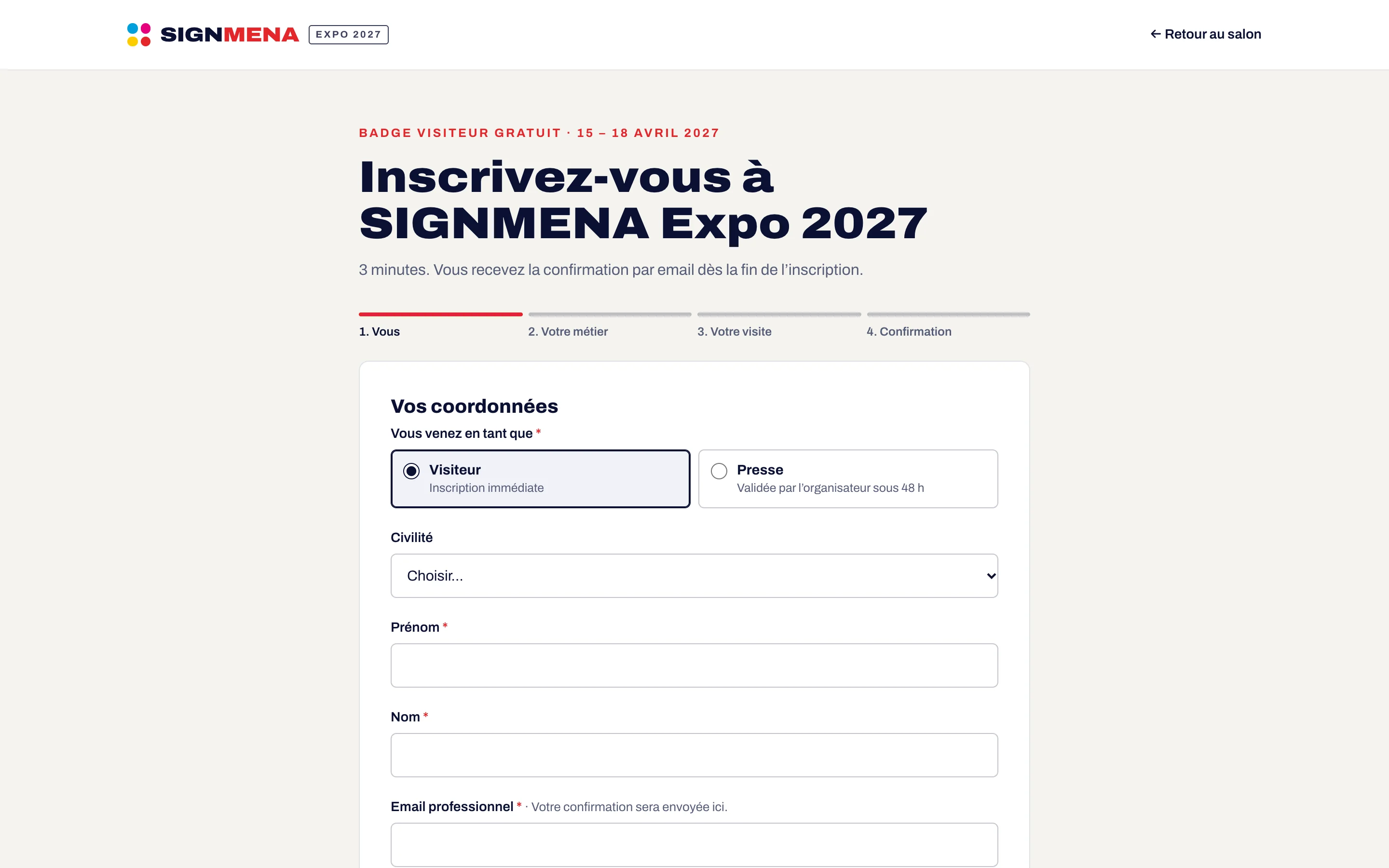
Online registration that looks like your show
Visitors register in a few minutes on your show website. You decide the questions, the categories and who needs approval.
- Form in French and English
- VIPs and press approved by your team
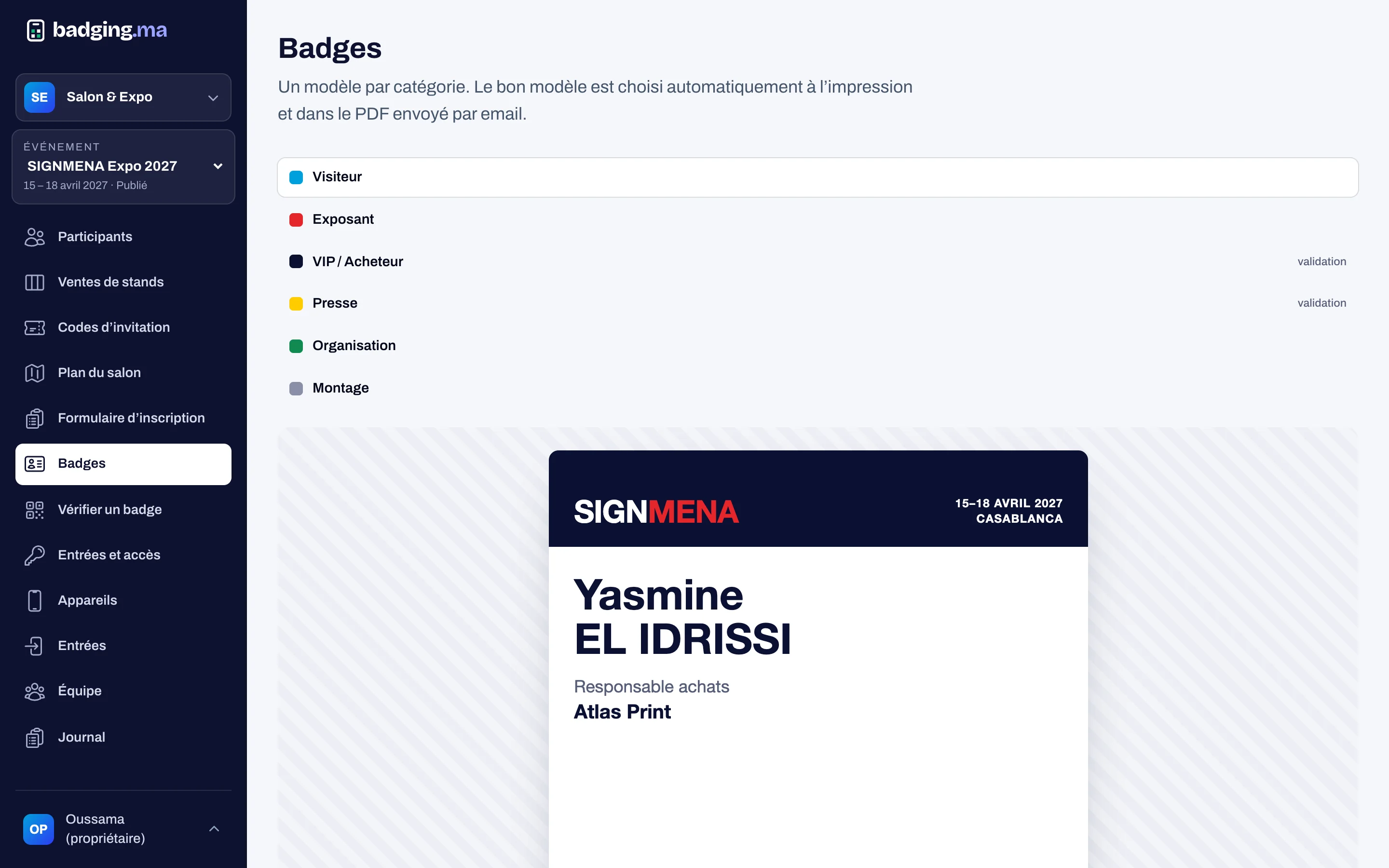
- Badge sent on registration
01
A form built without code
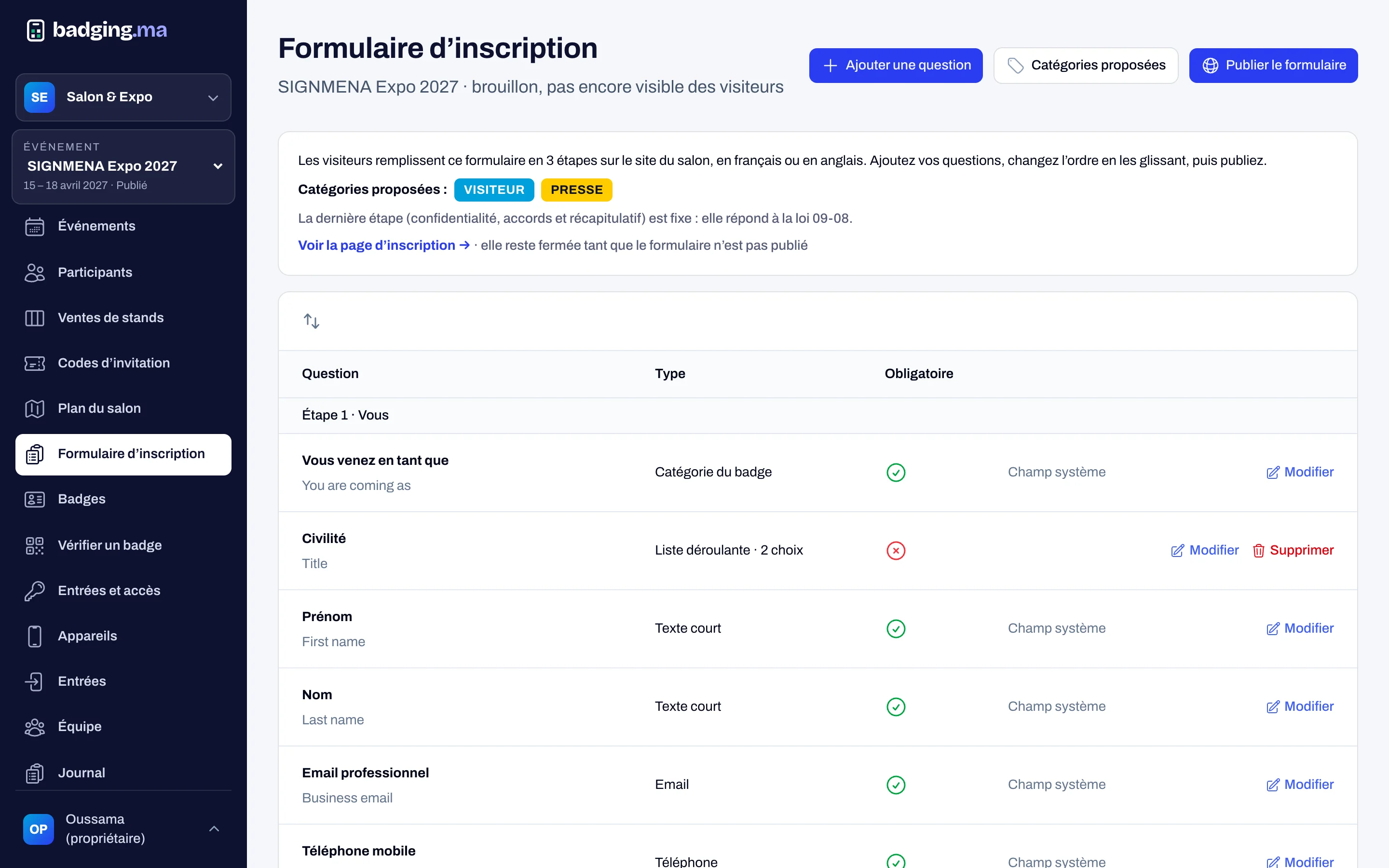
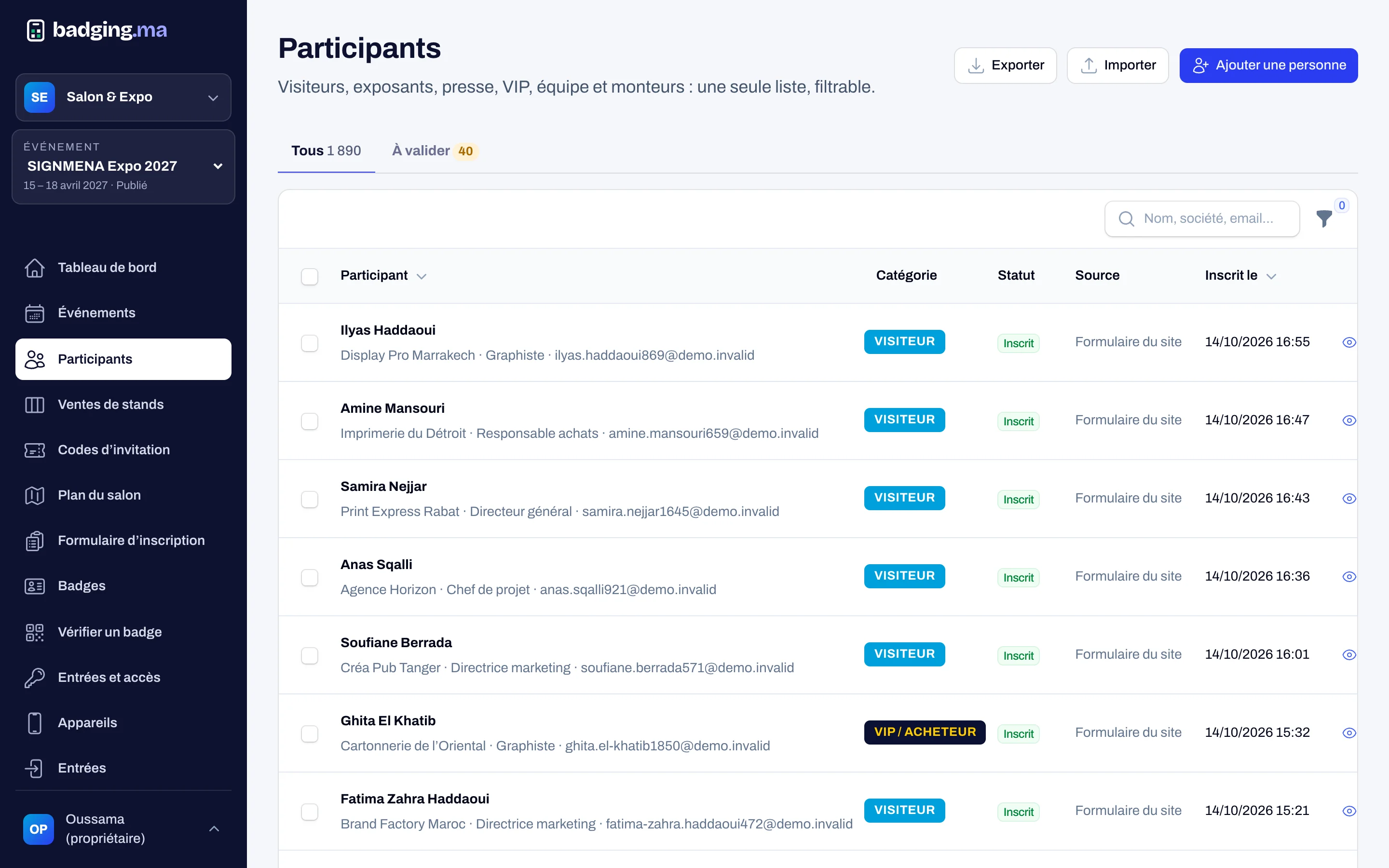
Choose the fields and qualifying questions (activity, interests, visit days…), then publish. The form shows in three steps, followed by the consent page.
- Fields and choice lists on demand
- Categories offered to the visitor
- Publish in one click
02
Perfect on a phone
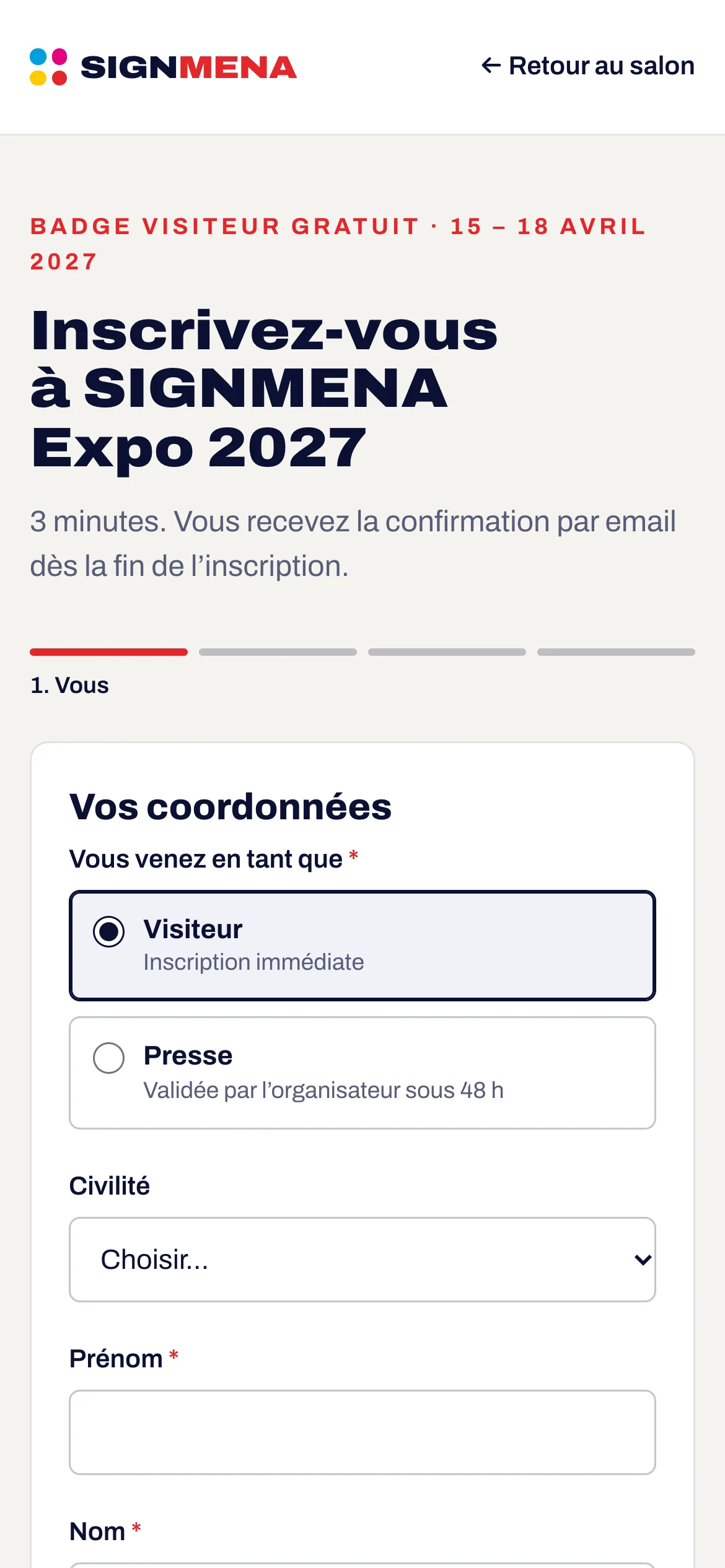
Most visitors register from their phone. The form is designed for thumbs, catches duplicates at the first step and resends the confirmation to those already registered.
- Duplicates caught from the email
- Confirmation resent on request
- Protection against bots
03
Invitation codes and campaigns
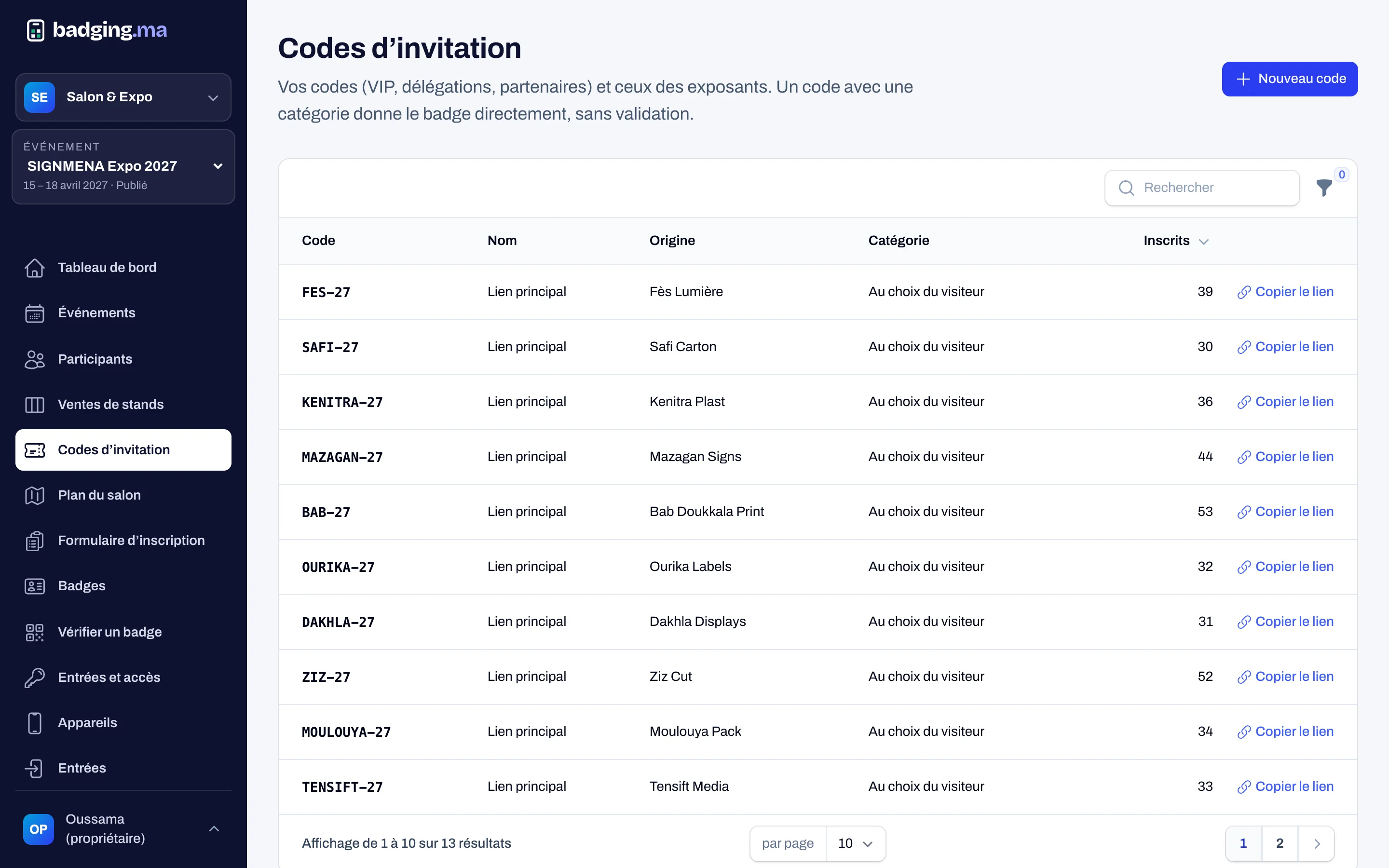
Each exhibitor has a code, and you create your own for VIPs, delegations or partners, with a category given automatically. Campaigns (LinkedIn, newsletter…) are recognised automatically.
- Codes per exhibitor or partner
- Category set by the code
- Sources shown on the dashboard
How it works
-
1
You publish the form
Questions, categories and opening dates.
-
2
The visitor registers
Three steps, then consents, in French or English.
-
3
You approve if needed
VIPs and press wait for your approval; visitors go straight through.
-
4
The badge is emailed
With the signed QR code and an add-to-calendar link.
FAQ
Which categories can be offered?
Visitor, VIP / buyer, press, delegation, exhibitor, staff and build-up. You choose which are offered to the public and which need approval.
How are consents handled?
A required box covers show messages and sharing with exhibitors; an optional box covers news and offers. Each consent is recorded with its date and the text shown.
What if someone registers twice?
The duplicate is caught from the email; the person can have their confirmation resent instead of creating a second registration.
These modules work well together
Your next trade show, run from A to Z.
Tell us the date, the venue and how many attendees you expect: we will reply with a tailored proposal.
Or call us: 06 61 41 48 32