Badges
QR badges in your brand, impossible to forge
One template per category, the right format for your printer and a signed QR code that holds no personal data.
- One template per category
- A5 or 5 × 3 cm label
- Signed QR code, no personal data
01
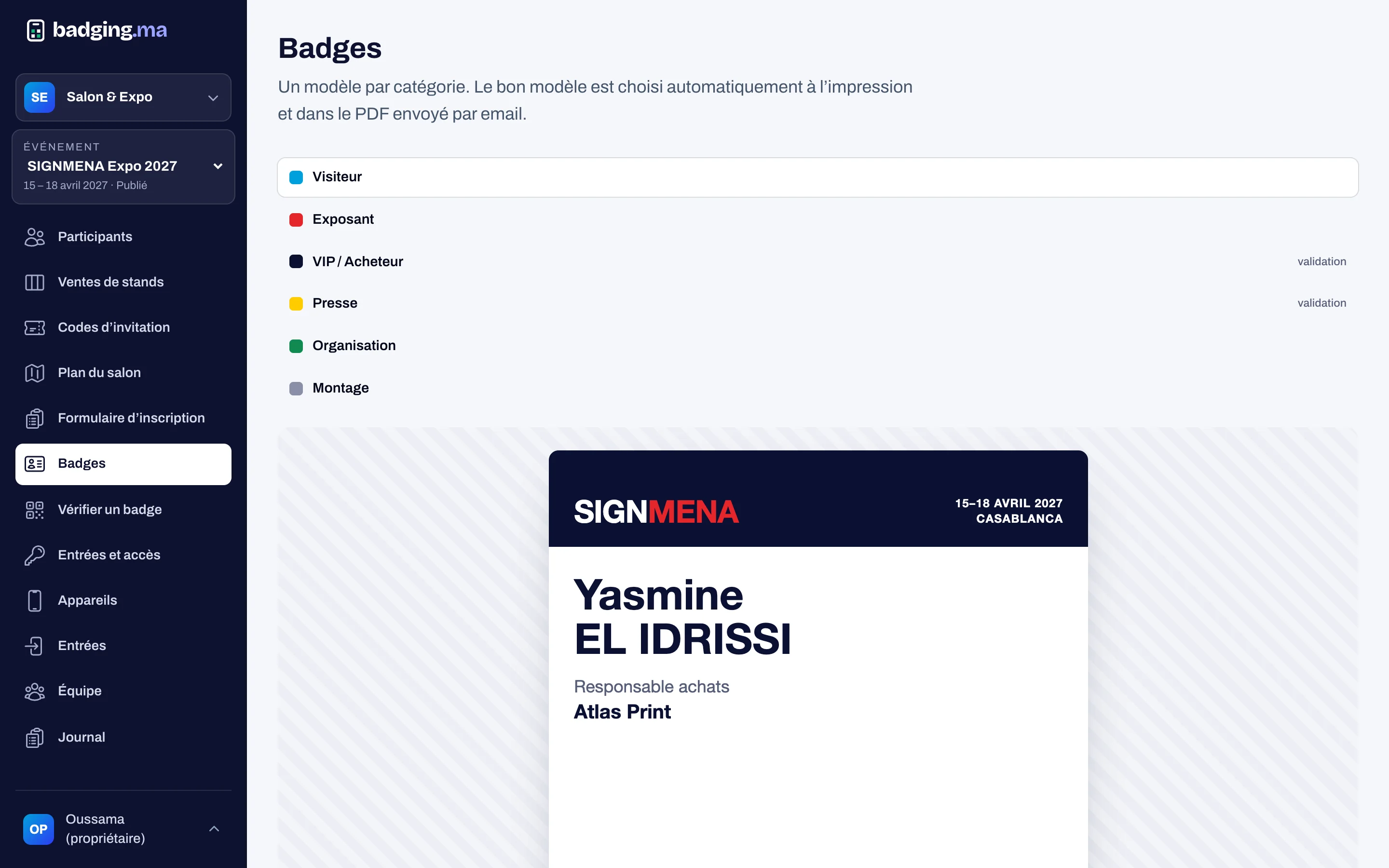
One template per category
Visitor, exhibitor, VIP, press, staff, build-up: each category has its colour and band. The preview updates as you edit, and a test PDF prints at the exact size.
- Colours and band per category
- Live preview
- Test PDF at real size
02
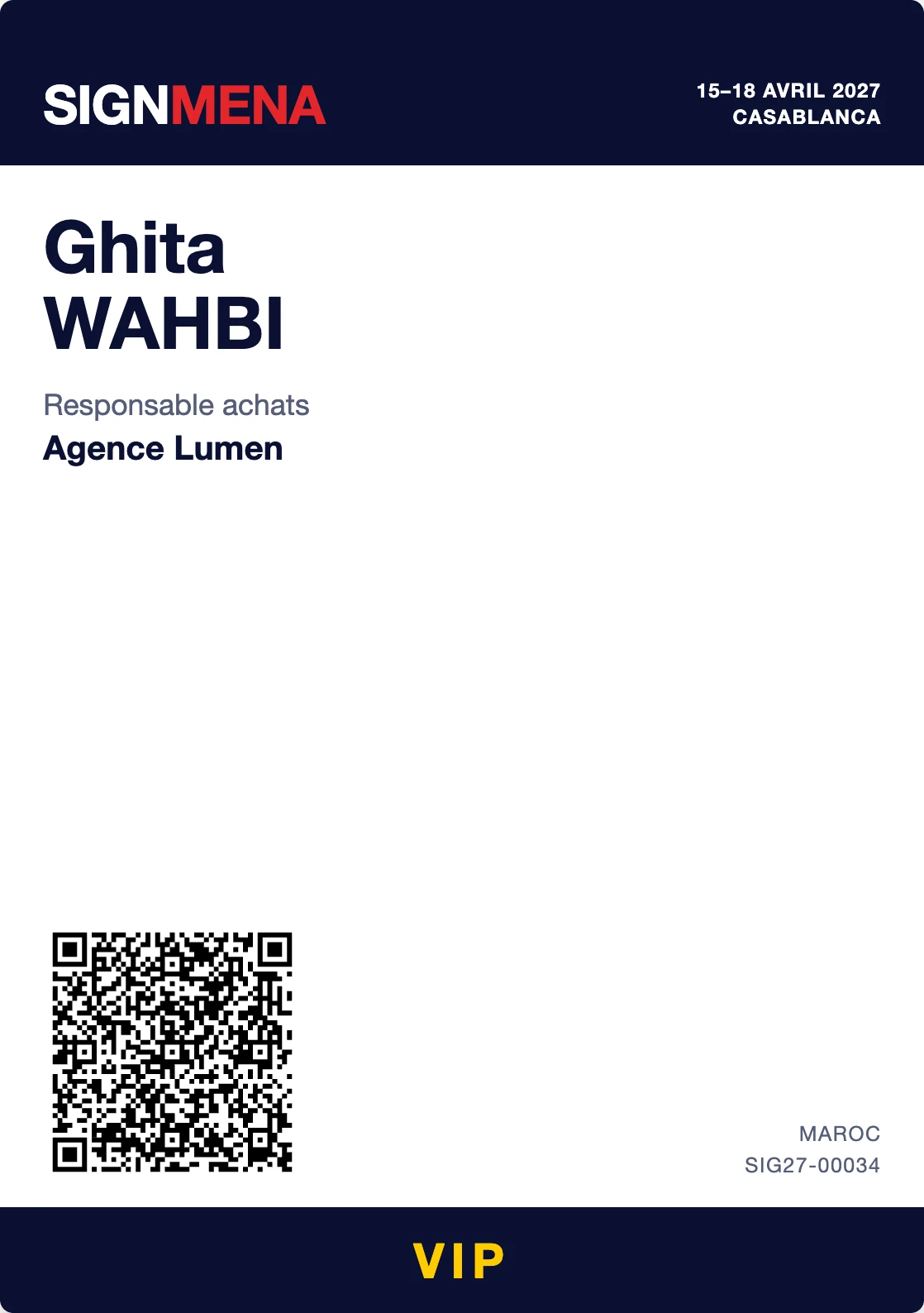
The badge, ready to print
On A5 for a full badge, or as a 5 × 3 cm label with name, company and QR code, stuck onto cards pre-printed per category.
- A5 for a full badge
- 5 × 3 cm label for pre-printed cards
- QR code optional on the label
03
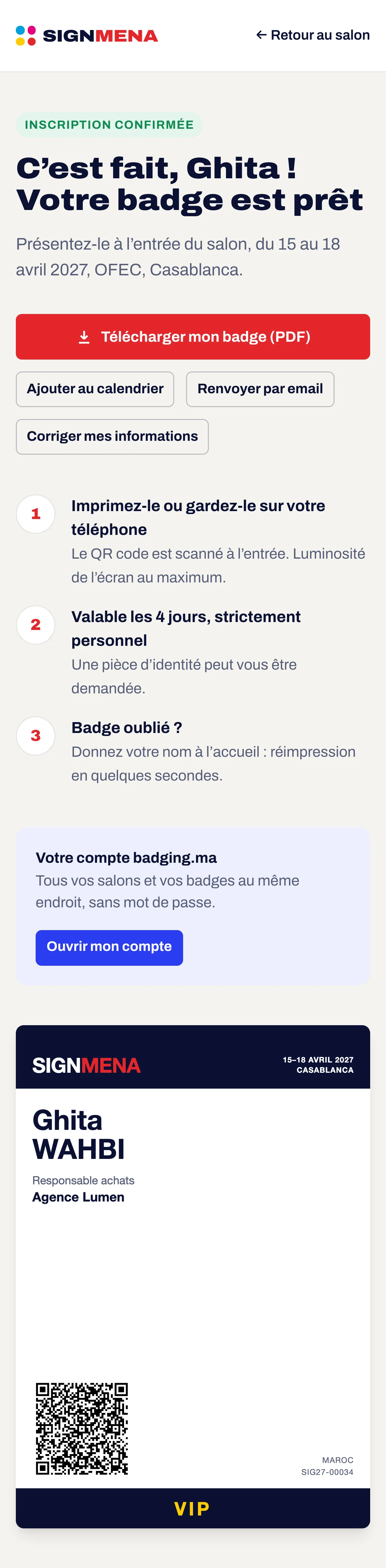
The badge in the visitor’s pocket
Every attendee receives their badge by email and has a secure page: download the PDF, add it to the calendar, have it resent or correct their details.
- PDF attached to the email
- Add to calendar in one click
- Secure badge page
04
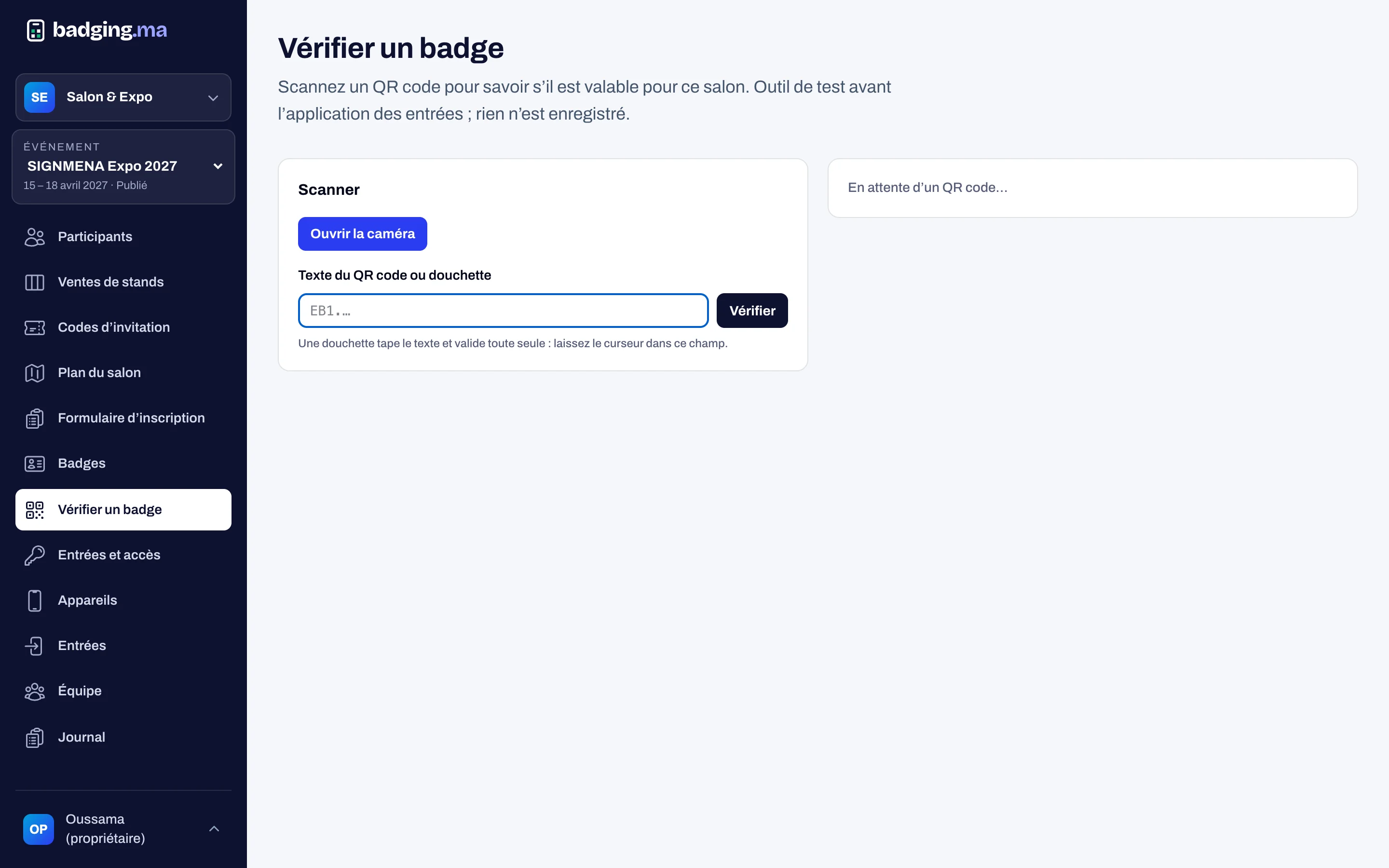
Check a badge in an instant
Reception staff check any badge from the console, with the camera (iPhone included) or a handheld scanner: valid, old version, revoked, other show.
- Camera or handheld scanner
- Works on iPhone and Android
- Nothing is stored when checking
How it works
-
1
You create the templates
One per category, in your brand.
-
2
The badge is generated
As soon as the registration is approved, with its signed QR code.
-
3
It is emailed
As a PDF, with the badge page and the calendar.
-
4
It prints on site
At reception or at a kiosk, in the right format.
FAQ
What does the QR code contain?
Only a signed reference unique to your show: no name, email or phone. A copied or made-up QR is refused.
What if a visitor loses their badge?
Reception reprints it and records the reason. When lost, a new version is made and the old QR code is refused at the entrances.
Can visitors keep the badge on their phone?
Yes. The QR code shows on screen and scans like a printed badge.
These modules work well together
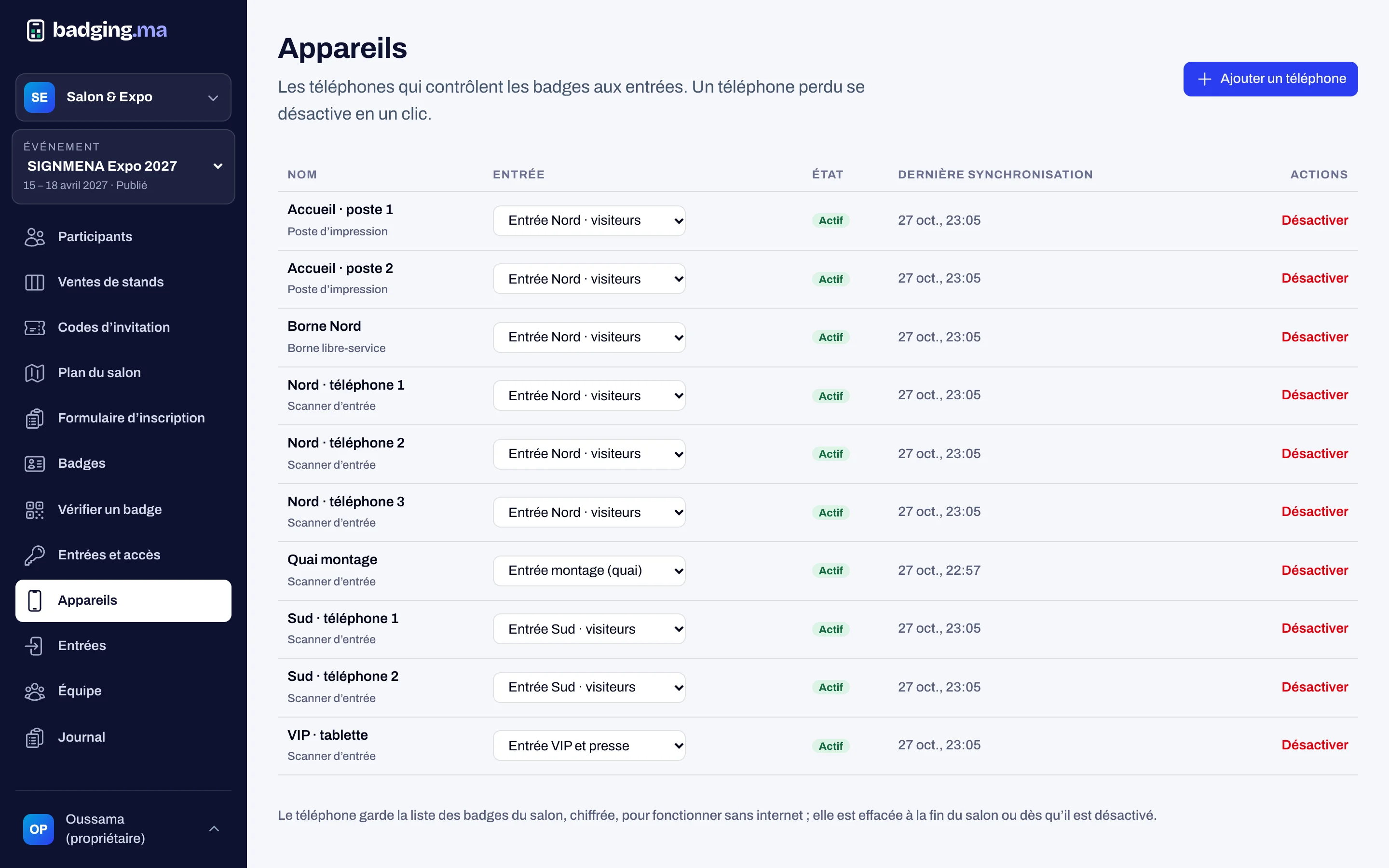
Printing and kiosks
Reception stations and self-service kiosks: badges printed in seconds.
Discover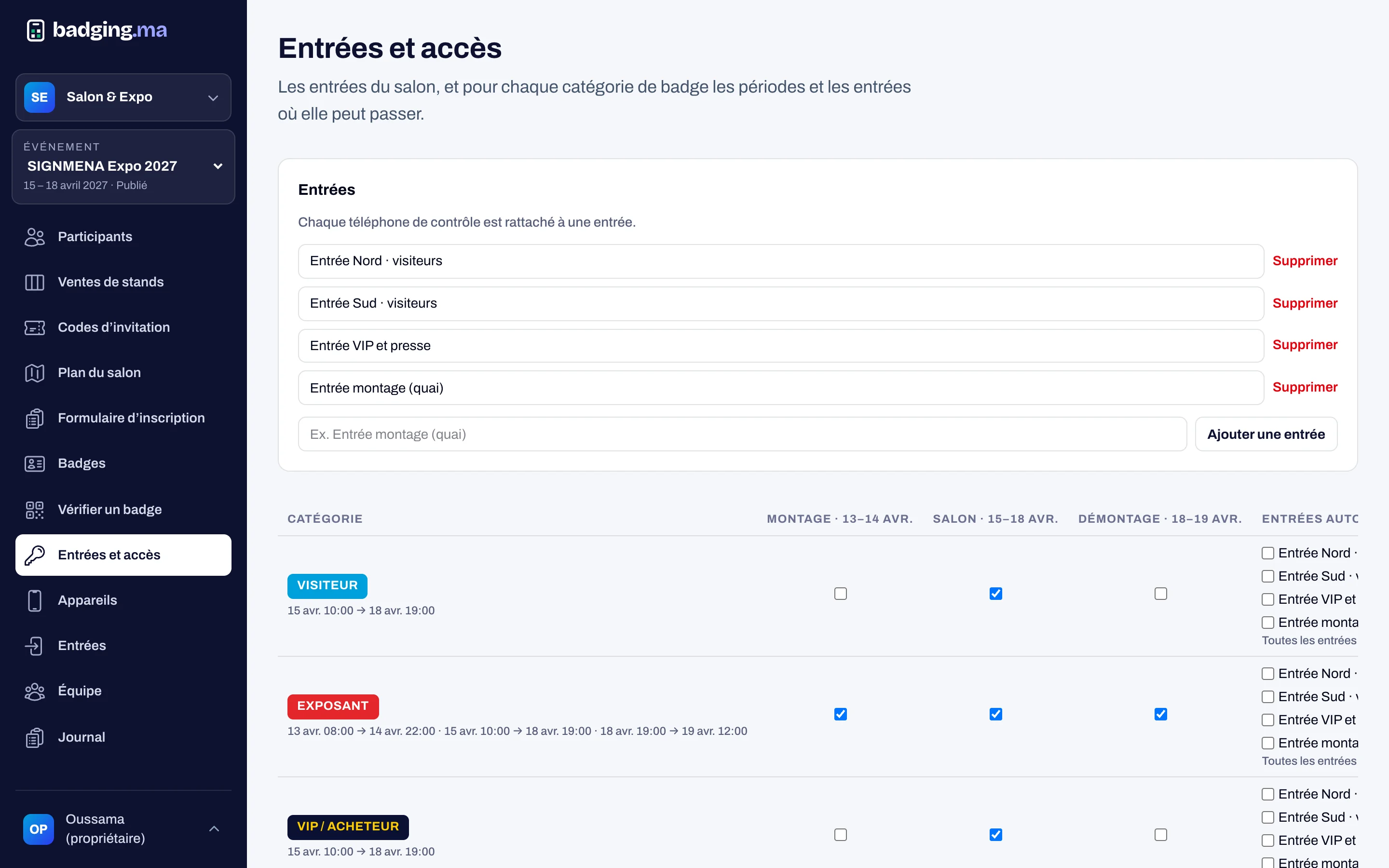
Access control
Checking phones at every entrance, rules per category and day, even offline.
Discover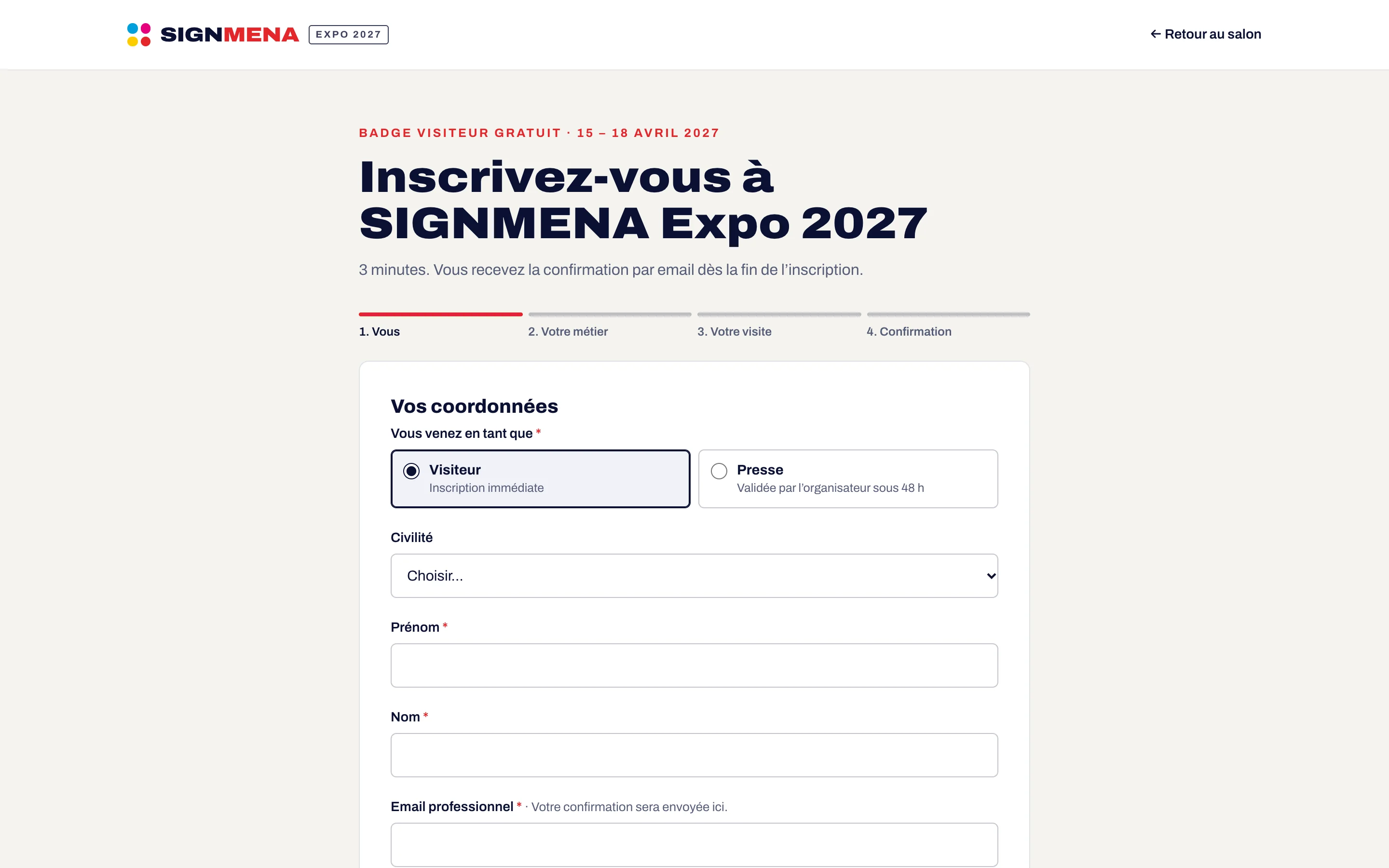
Registration
A registration form in your colours, categories, approval, invitation codes and consents.
DiscoverYour next trade show, run from A to Z.
Tell us the date, the venue and how many attendees you expect: we will reply with a tailored proposal.
Or call us: 06 61 41 48 32