Exhibitor leads
Exhibitors leave with qualified contacts
Every sales rep scans the badges of the visitors they meet on the stand and notes the interest and next step. Contacts belong to the exhibitor, who finds them in their space.
- Hot, warm or cold in one tap
- The exhibitor’s own qualifying questions
- Works offline too
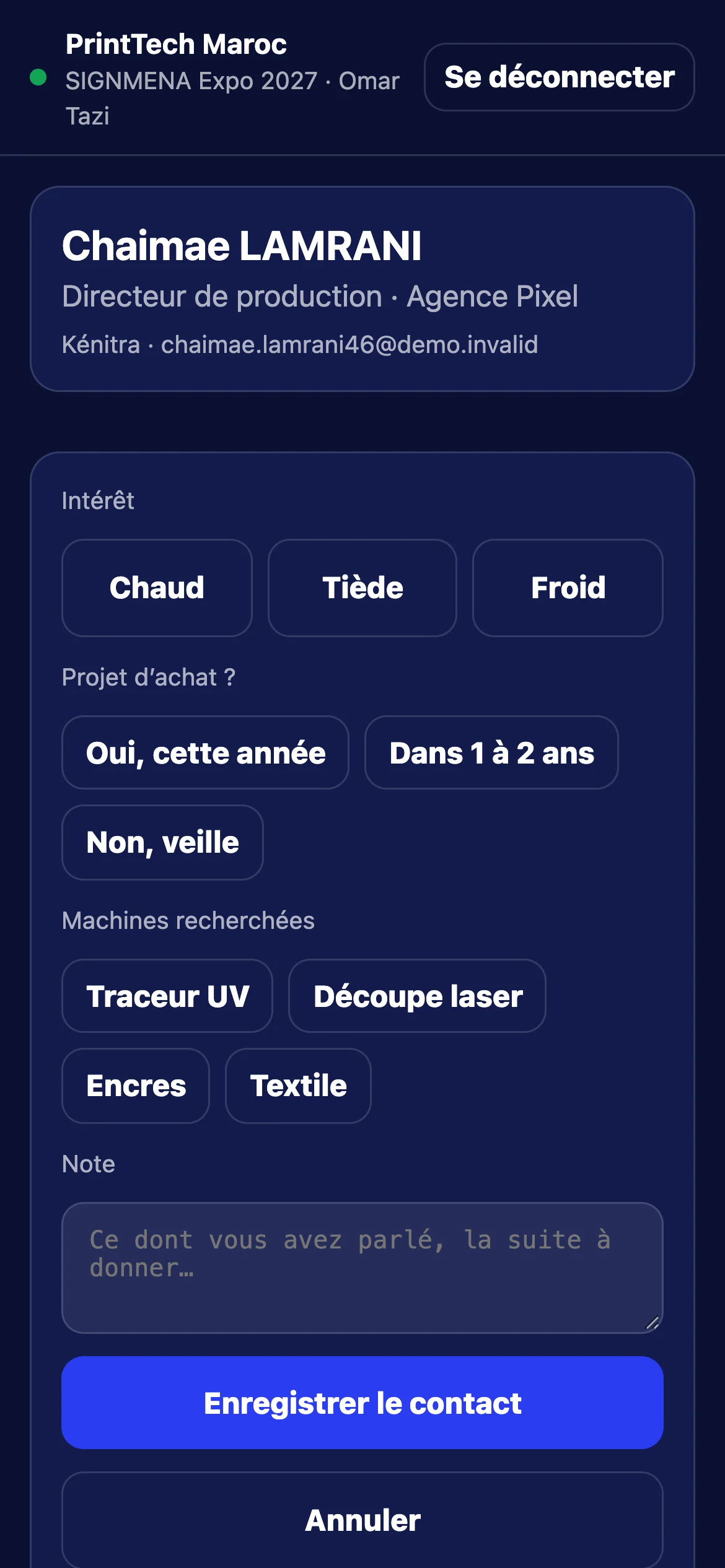
01
Scan, qualify, save
The rep signs in with their badging.ma account, scans the badge and sees the person: name, company, job title, city. They rate the interest, answer their company’s questions, add a note and save.
- Visitor’s name, company, job title and city
- Email and phone as the visitor agreed
- Same person scanned twice: one contact
02
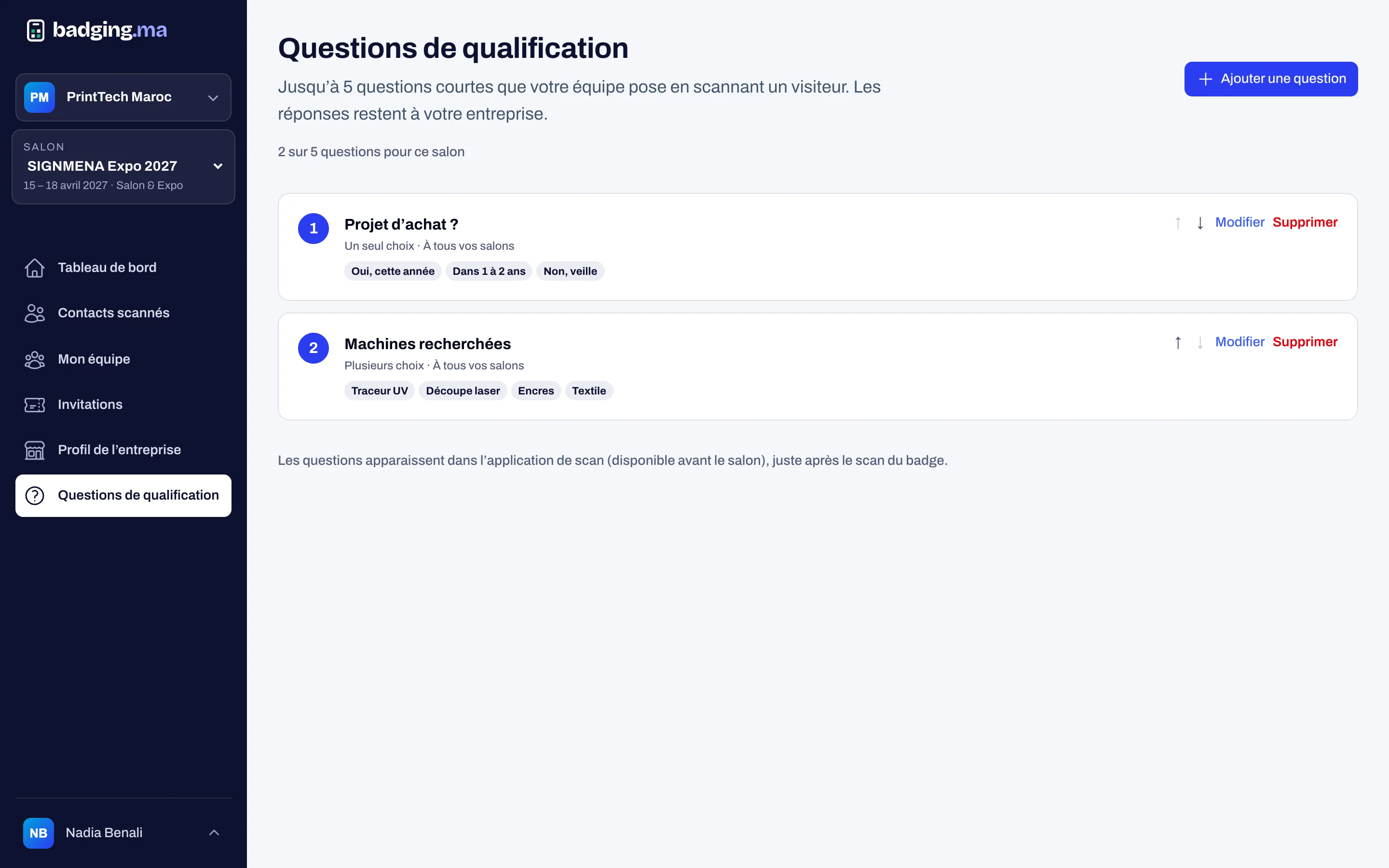
Questions specific to each exhibitor
The stand manager prepares up to five short questions (buying project, products wanted…). They appear in the app at scan time, so every contact is qualified the same way.
- Single choice, multiple choice or text
- In French and English
- For every show or just one
03
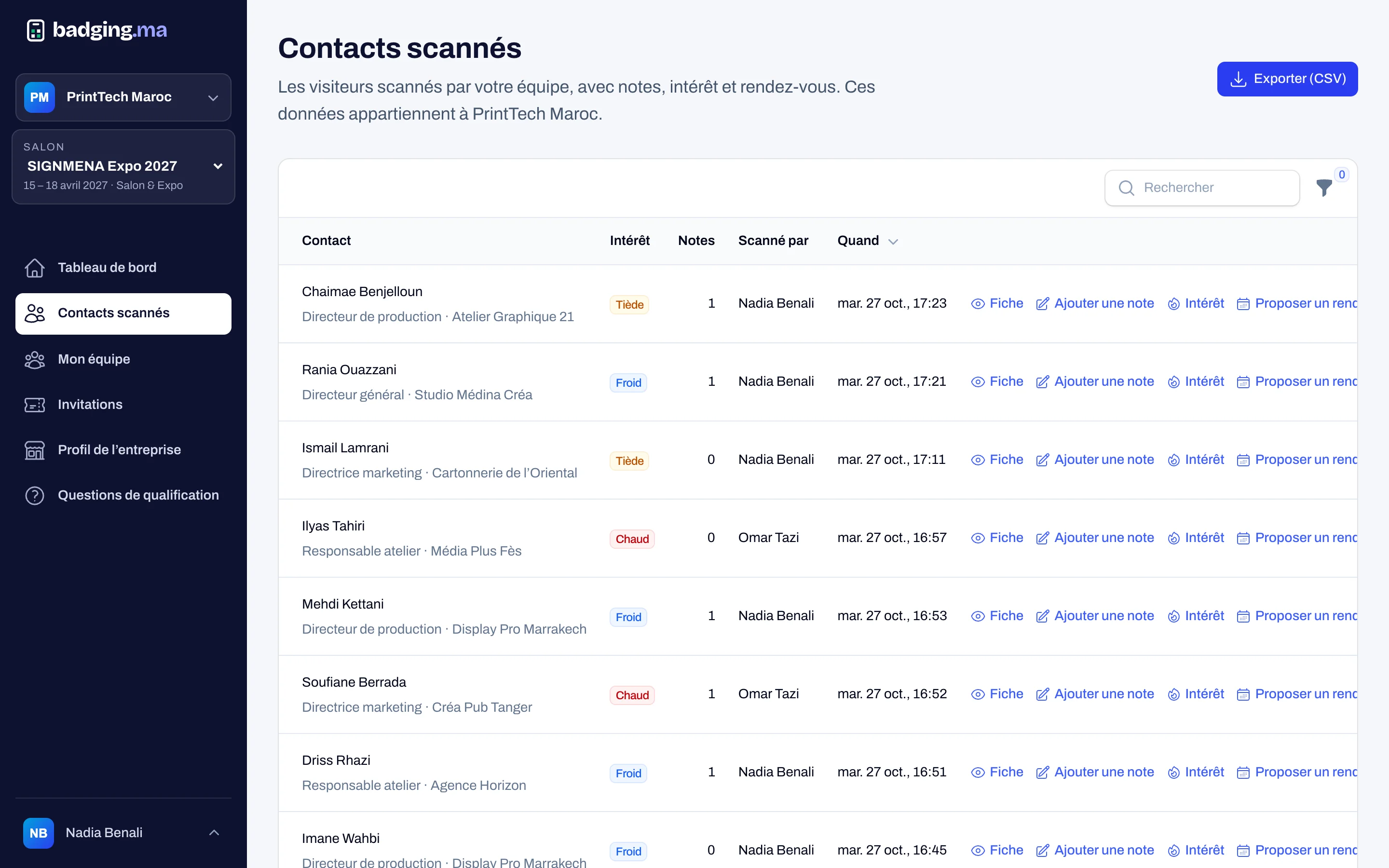
All contacts in the exhibitor space
Filter by interest, rep or day, open a contact’s record, add notes and change the interest. The manager exports the contacts as CSV; every export is recorded.
- Filters by interest, rep and day
- Notes and history per contact
- CSV export for the manager only
04
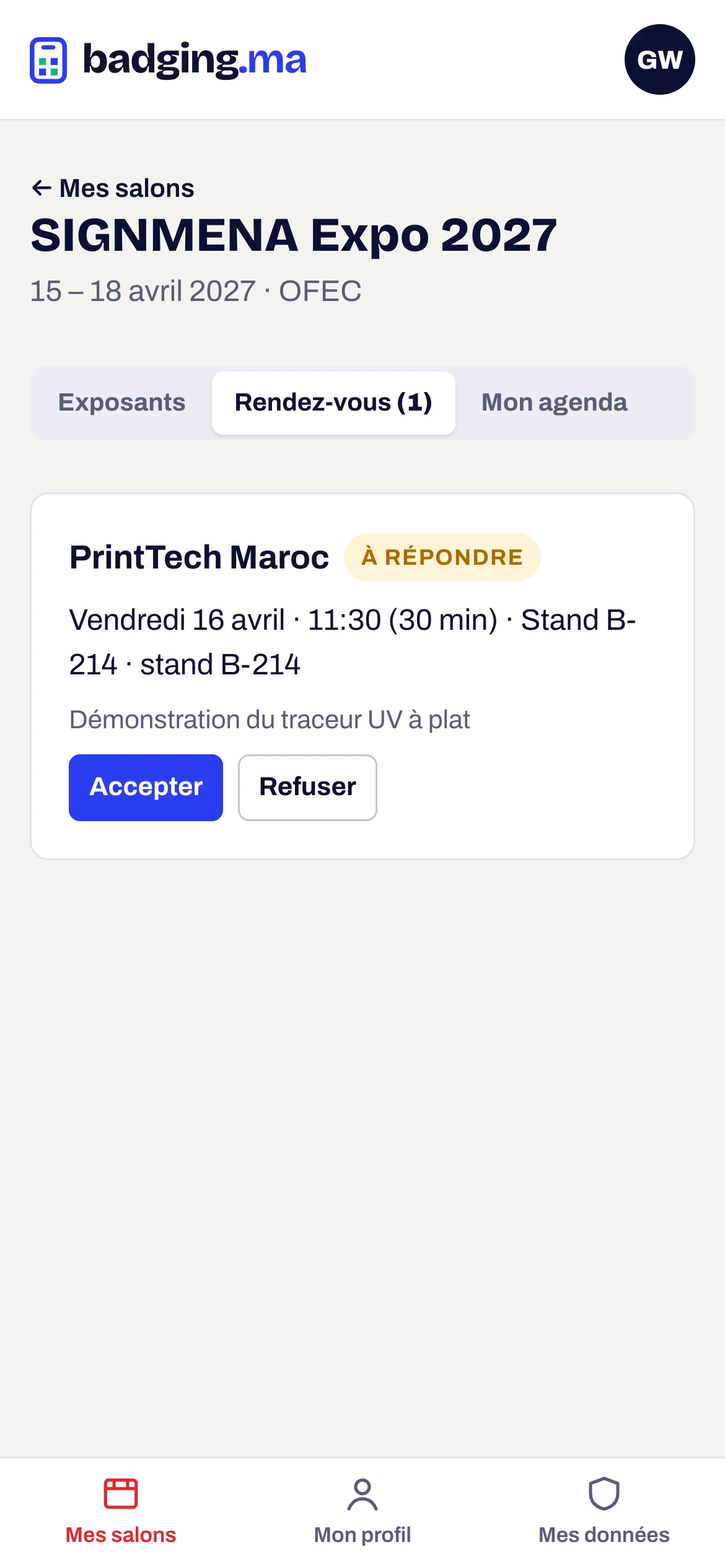
Meetings that get confirmed
From a contact’s record, propose a meeting (date, time, place, topic). The visitor receives a calendar invite and accepts or declines it from their account; the exhibitor sees the answer and gets an email.
- Calendar invite (.ics)
- The visitor answers in their account
- Status visible to the exhibitor
How it works
-
1
The manager hands out seats
One scan seat per rep, within their quota.
-
2
The rep signs in
On their phone, with their badging.ma account.
-
3
They scan and qualify
Interest, questions, note: under 20 seconds.
-
4
The team follows up
Contacts, notes, meetings and export.
FAQ
Does the organiser see the exhibitors’ contacts?
No. Contacts belong to the exhibitor; the organiser only sees how many visitors each exhibitor scanned.
Is a network needed on the stand?
No. Scans wait on the phone and are completed as soon as the connection returns, with nothing lost.
What information does the exhibitor receive?
Name, company, job title and city; email and phone are shared as the visitor agreed when registering.
These modules work well together
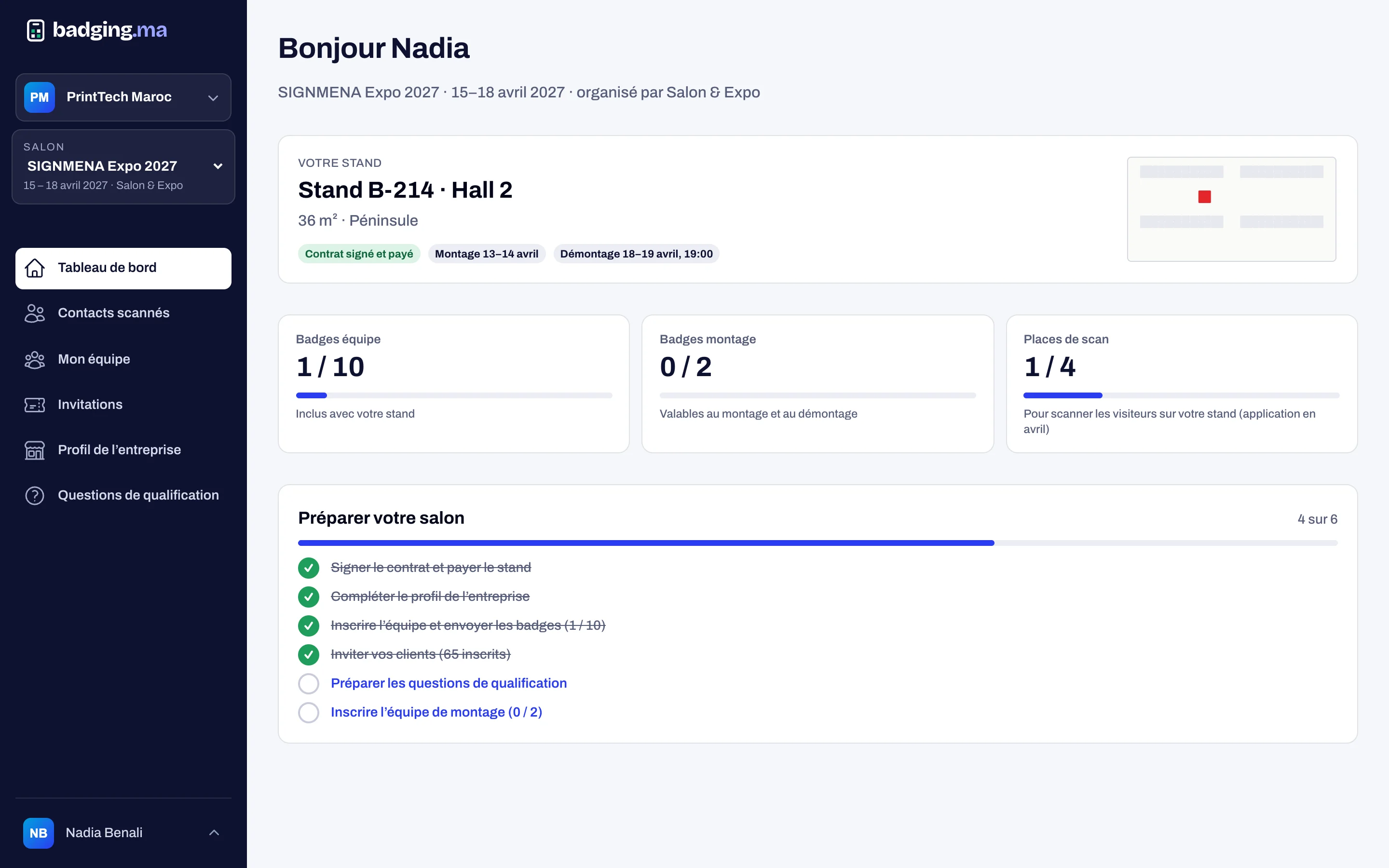
Exhibitor space
Each exhibitor manages their team, directory profile, invitations and contacts.
Discover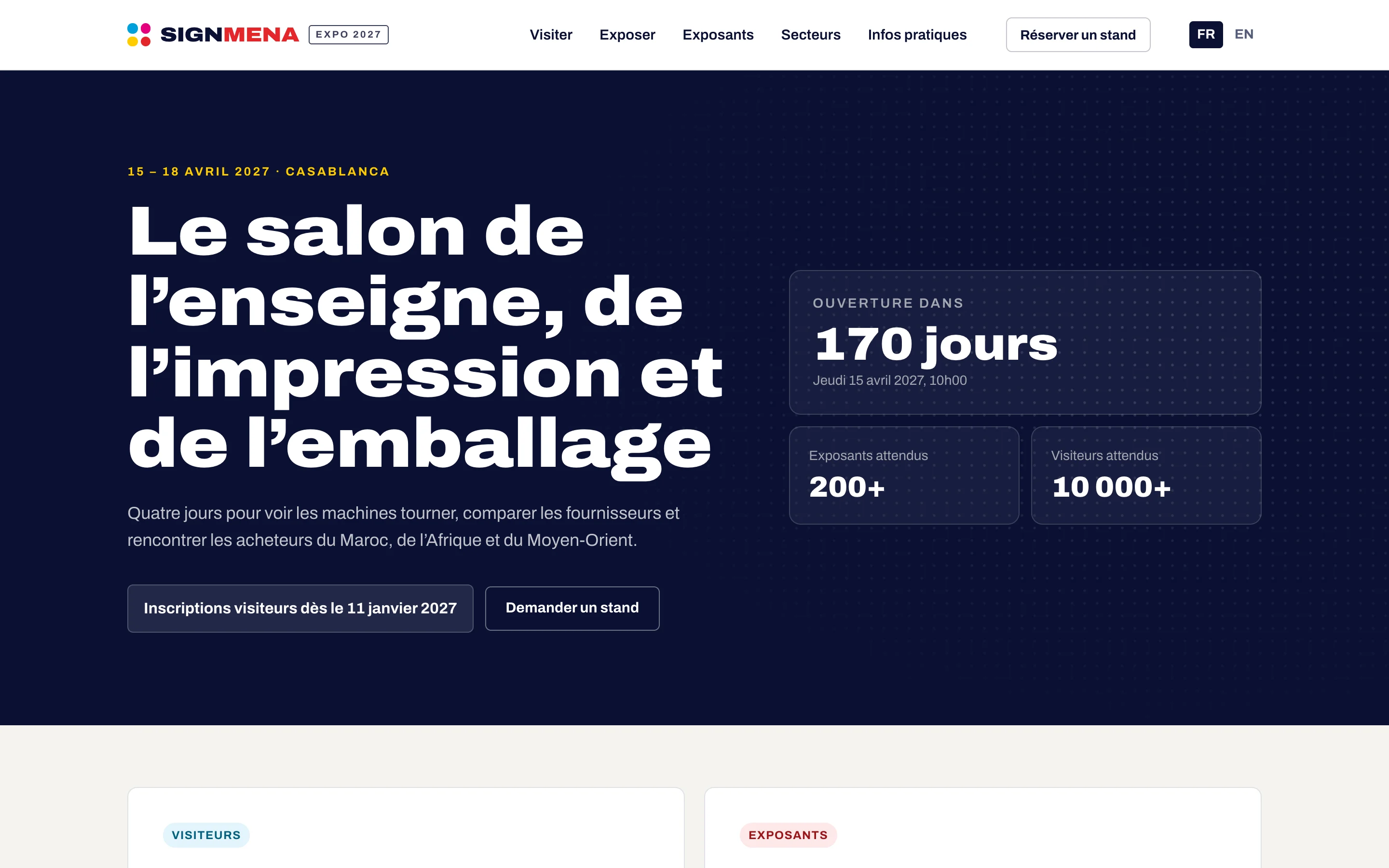
Website and directory
A website per show, the exhibitor directory and a password-free visitor account.
Discover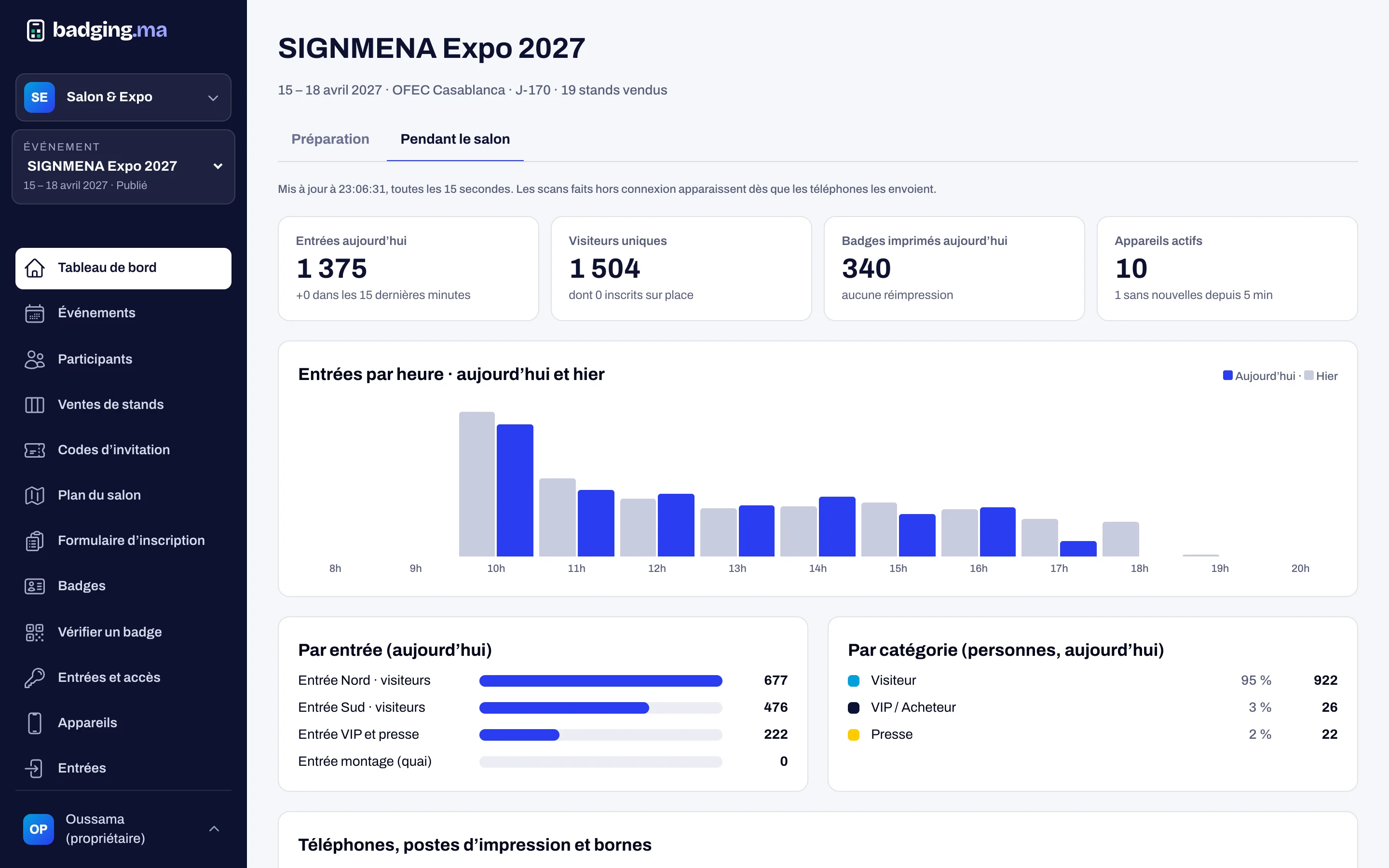
Dashboard
Sales, registrations and live entries, with a log of every action.
DiscoverYour next trade show, run from A to Z.
Tell us the date, the venue and how many attendees you expect: we will reply with a tailored proposal.
Or call us: 06 61 41 48 32