Exhibitor space
Every exhibitor prepares their stand on their own
As soon as they have paid, the exhibitor gets access. They declare their team, complete their directory profile and invite their customers, without going through your staff.
- Access opened automatically on payment
- Team badges within quotas
- One space for all their shows
01
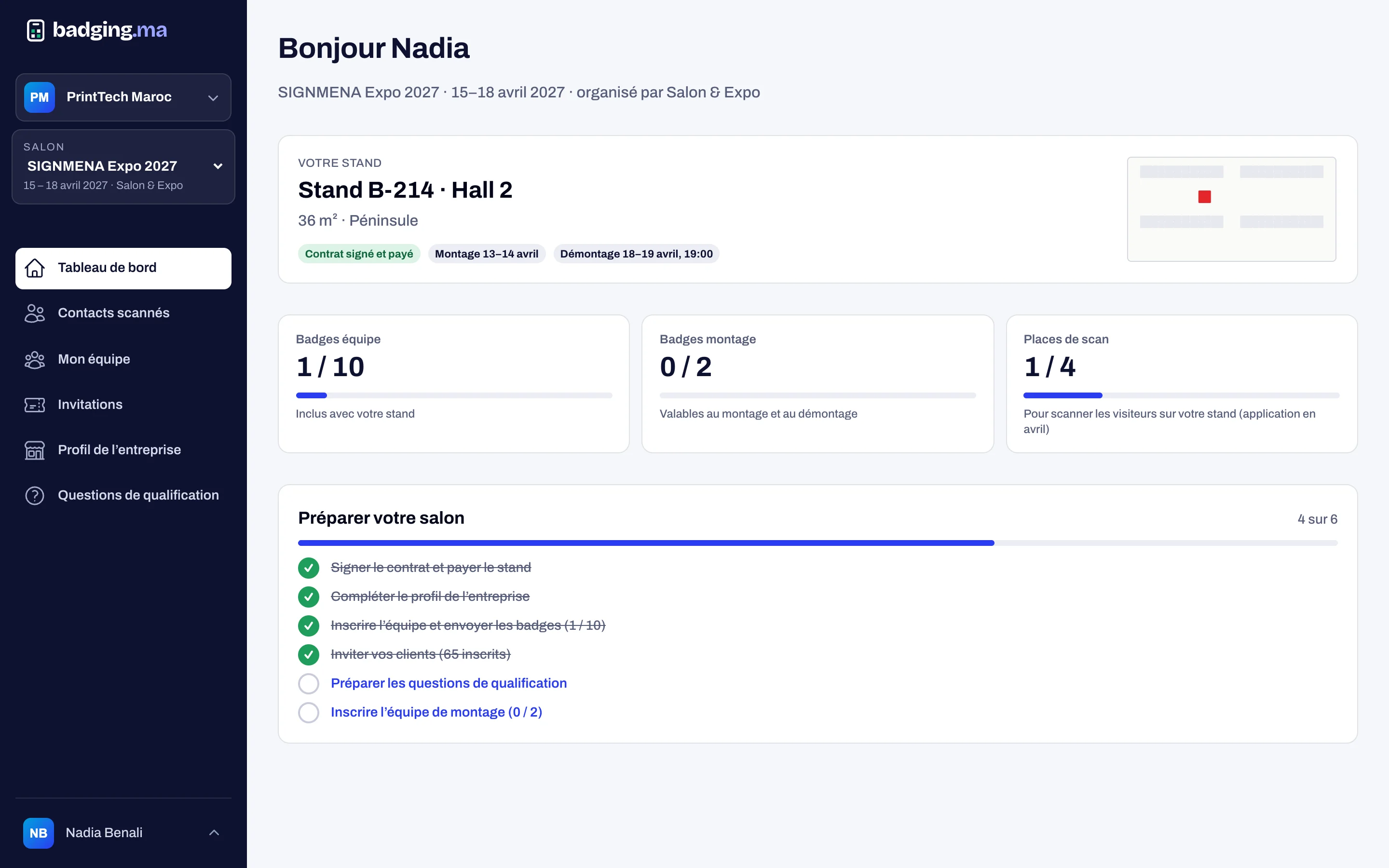
A dashboard to get ready
The exhibitor sees their stand, remaining badges, scan seats and a task list to be ready on show day: team declared, profile completed, invitations sent.
- Stand, hall and area
- Badge, stand-builder and scan-seat quotas
- “Prepare your show” checklist
02
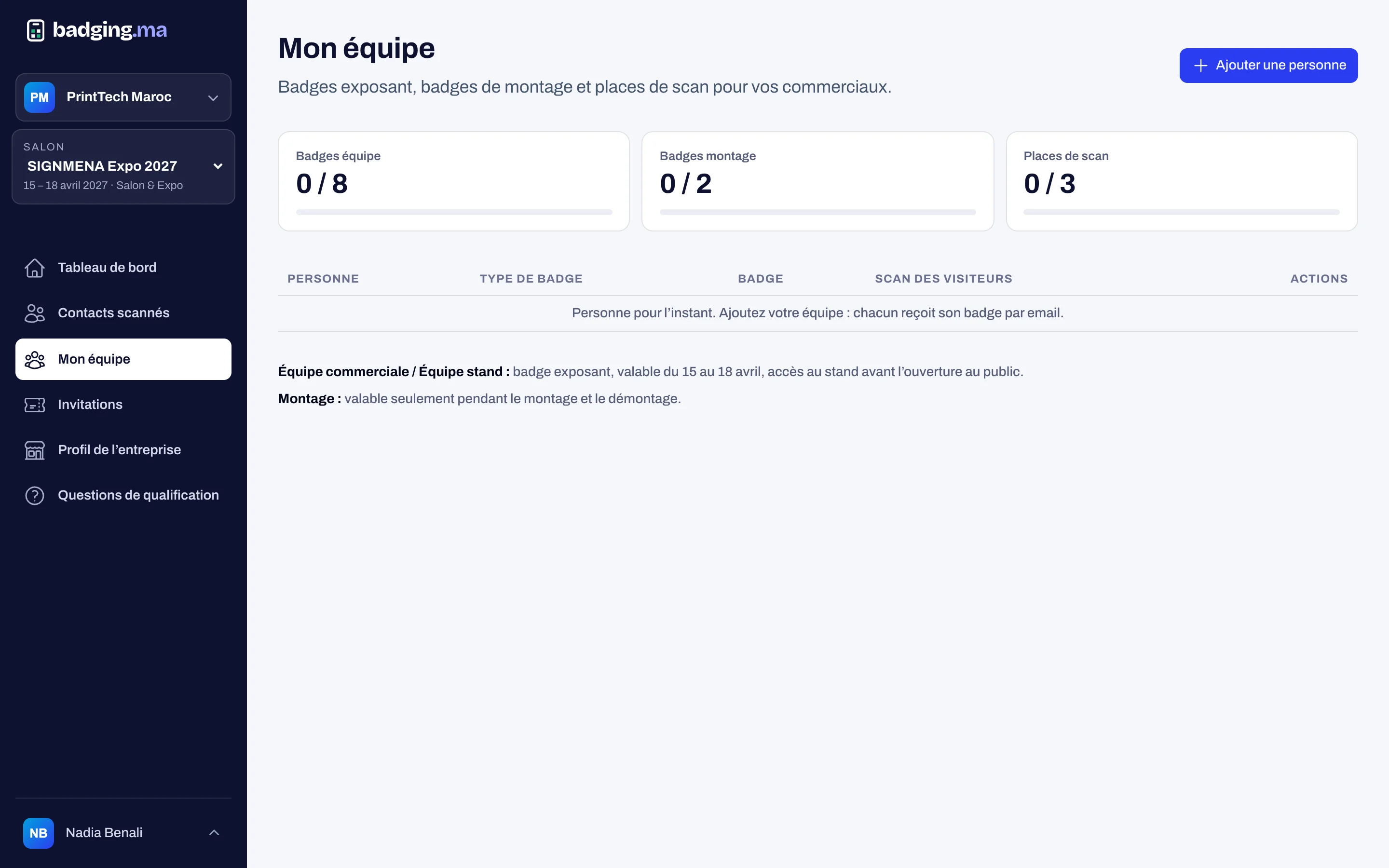
The team and their badges
The exhibitor adds their sales reps, stand staff and stand builders, within the quotas set by the organiser. Everyone receives their badge by email; build-up badges are valid only during build-up and teardown.
- Sales reps, stand staff, stand builders
- Scan seats for sales reps
- Badges sent automatically
03
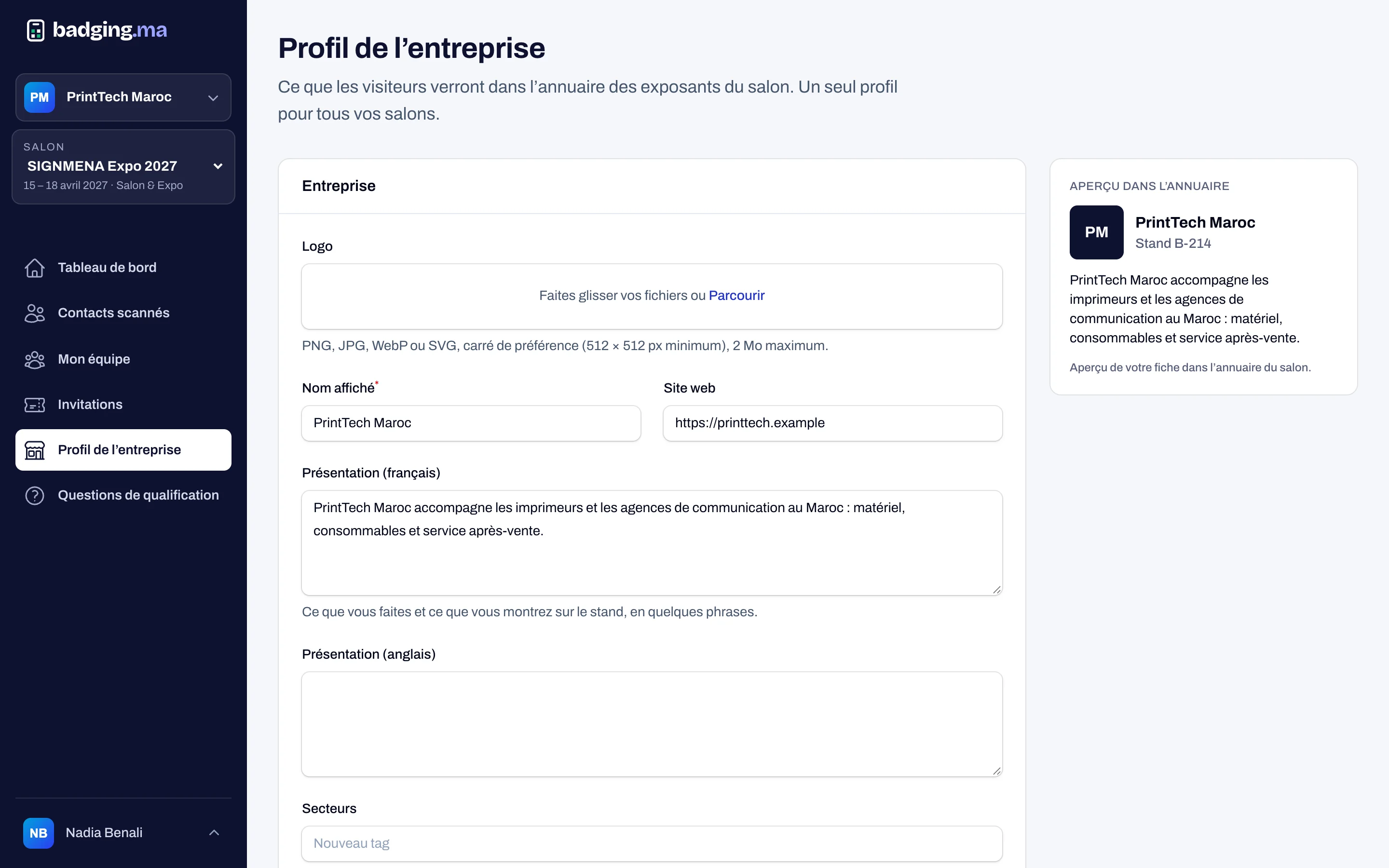
A profile for the show directory
Logo, description in French and English, website, sectors and up to five products with a picture: the exhibitor’s page appears in the directory of the show website.
- Bilingual description
- Up to 5 products with a picture
- Visible or hidden in the directory
04
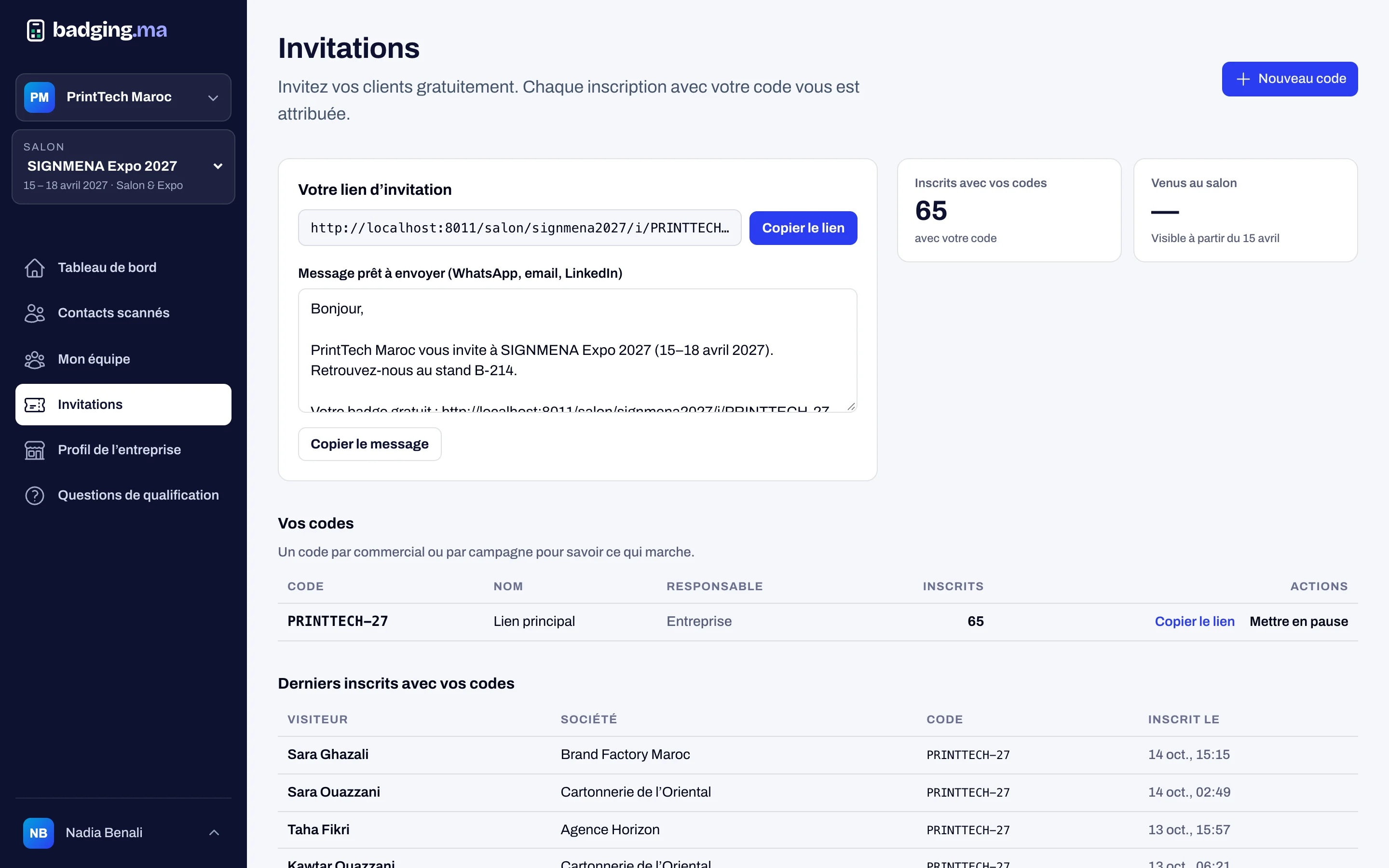
Invitations to bring their customers
Each exhibitor gets an invitation link and code, with a message ready to send by email or WhatsApp. They see who registered through them; you see which exhibitors bring the most visitors.
- Personal invitation link and code
- Message ready to share
- Registrations tracked per code
How it works
-
1
The stand is paid
The exhibitor is created with their quotas and receives an invitation.
-
2
They create their account
One badging.ma account for every show they exhibit at.
-
3
They prepare the stand
Team, directory profile, products and invitations.
-
4
They scan visitors
Their sales reps record contacts on show day.
FAQ
Can an exhibitor go over their badge quota?
No. Quotas are set by the organiser on payment; for more badges, the organiser raises the quota.
Does an exhibitor at several shows have several accounts?
No. They keep one account and switch between shows in their space.
Does the organiser see the exhibitors’ contacts?
No. Scanned contacts belong to the exhibitor; the organiser only sees how many there are.
These modules work well together
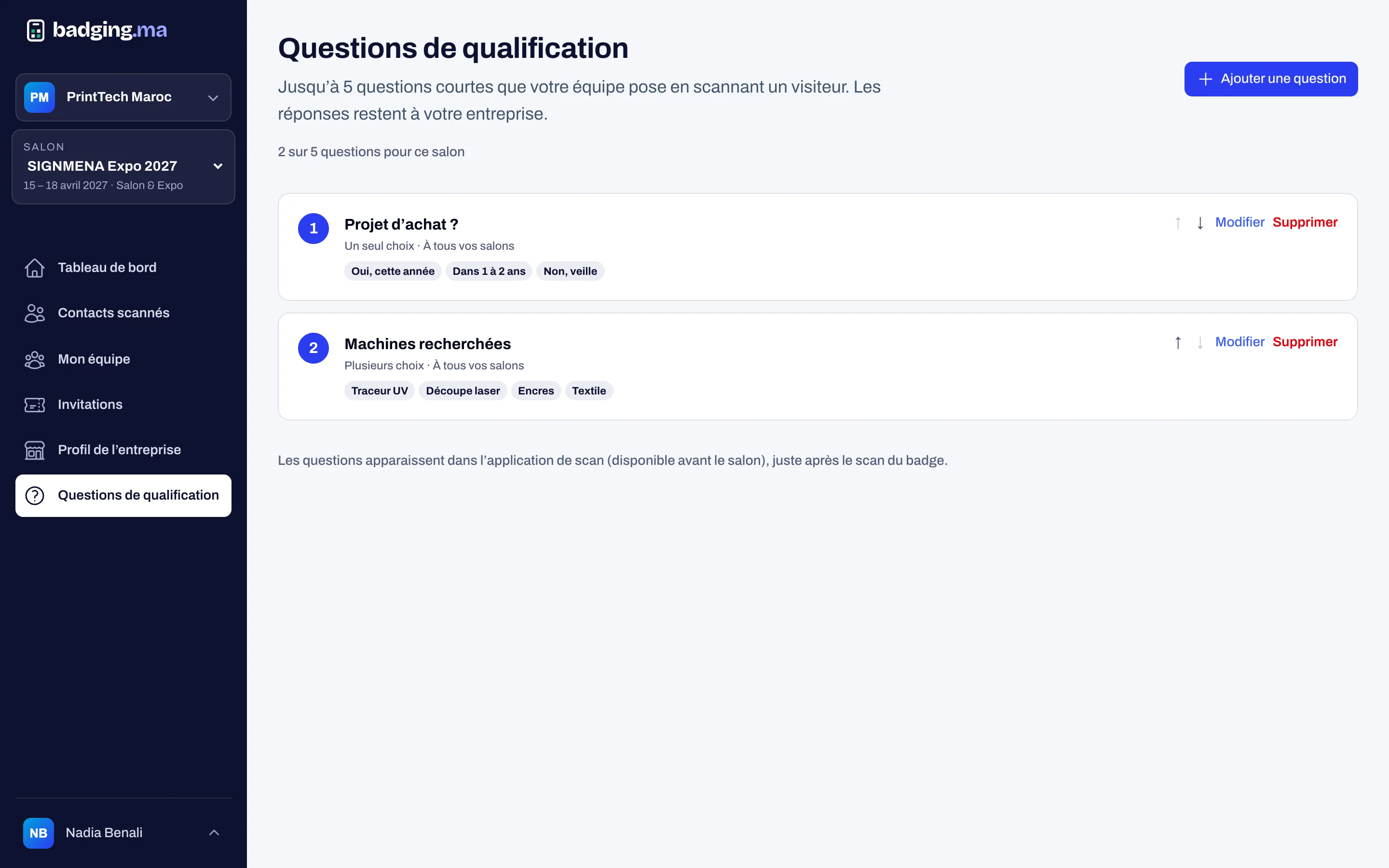
Exhibitor leads
Exhibitors scan visitors, rate interest, ask their questions and propose meetings.
Discover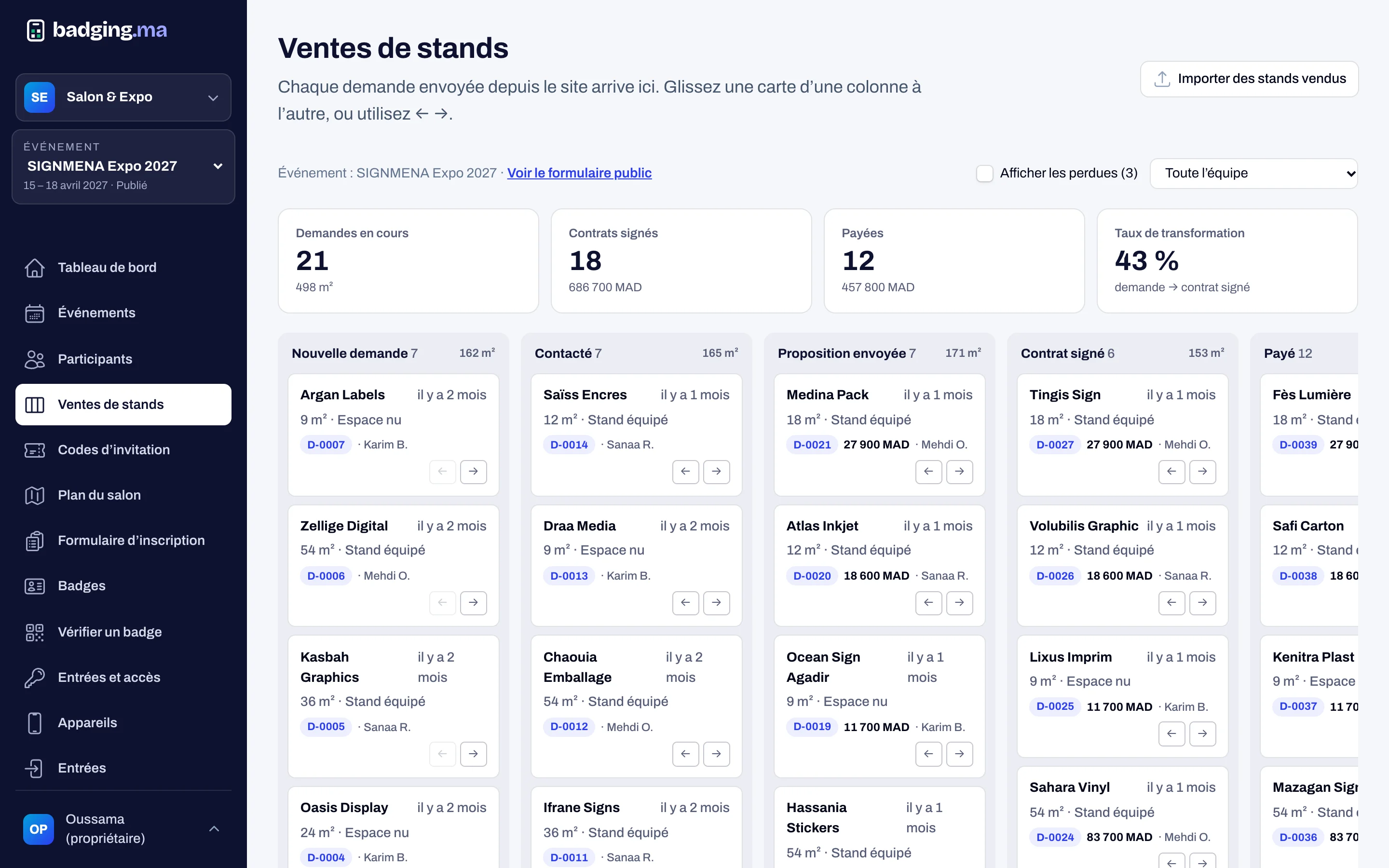
Stand sales
A CRM to sell your stands: requests, sales pipeline, floor plan, prices and payments.
Discover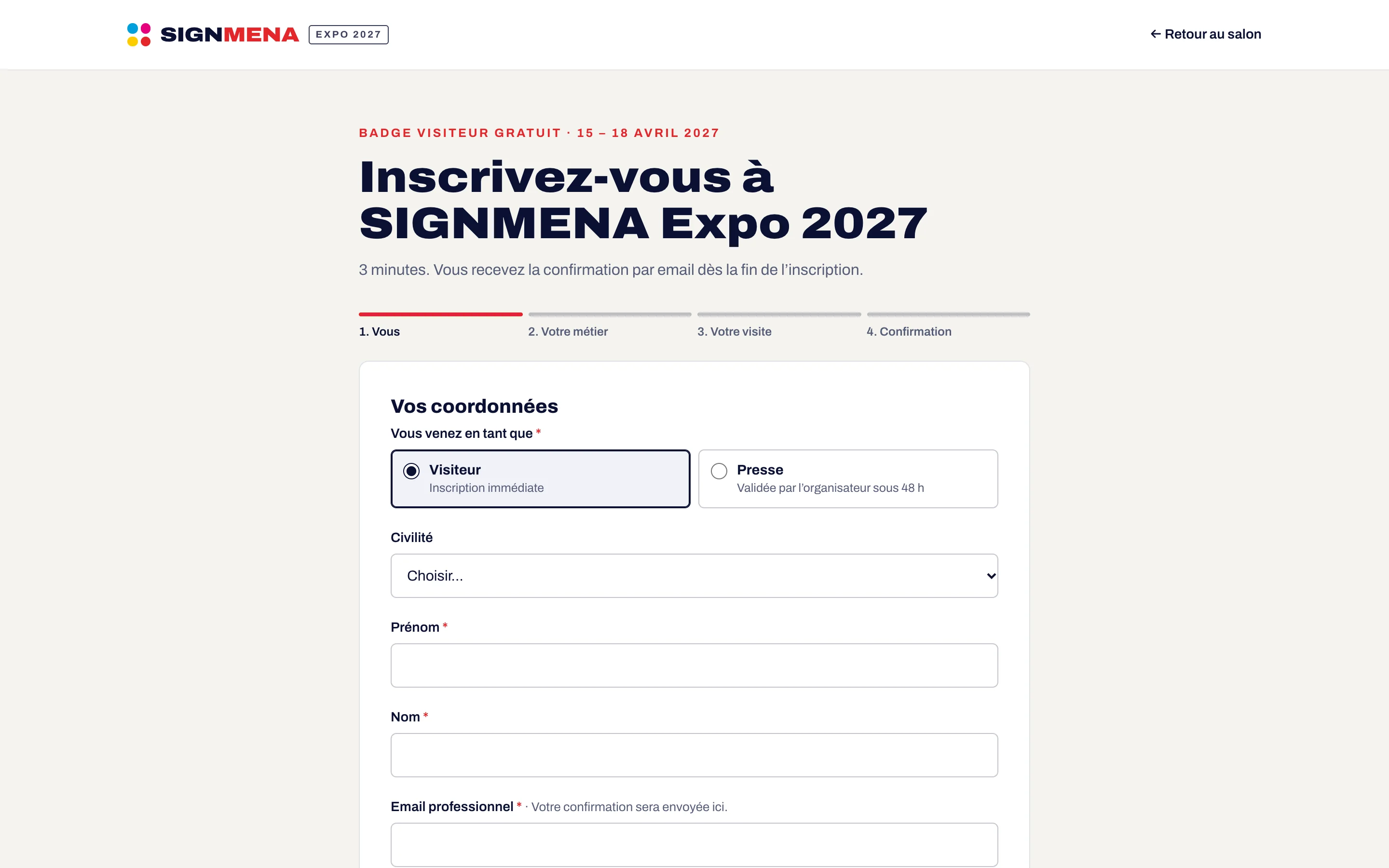
Registration
A registration form in your colours, categories, approval, invitation codes and consents.
DiscoverYour next trade show, run from A to Z.
Tell us the date, the venue and how many attendees you expect: we will reply with a tailored proposal.
Or call us: 06 61 41 48 32