Printing and kiosks
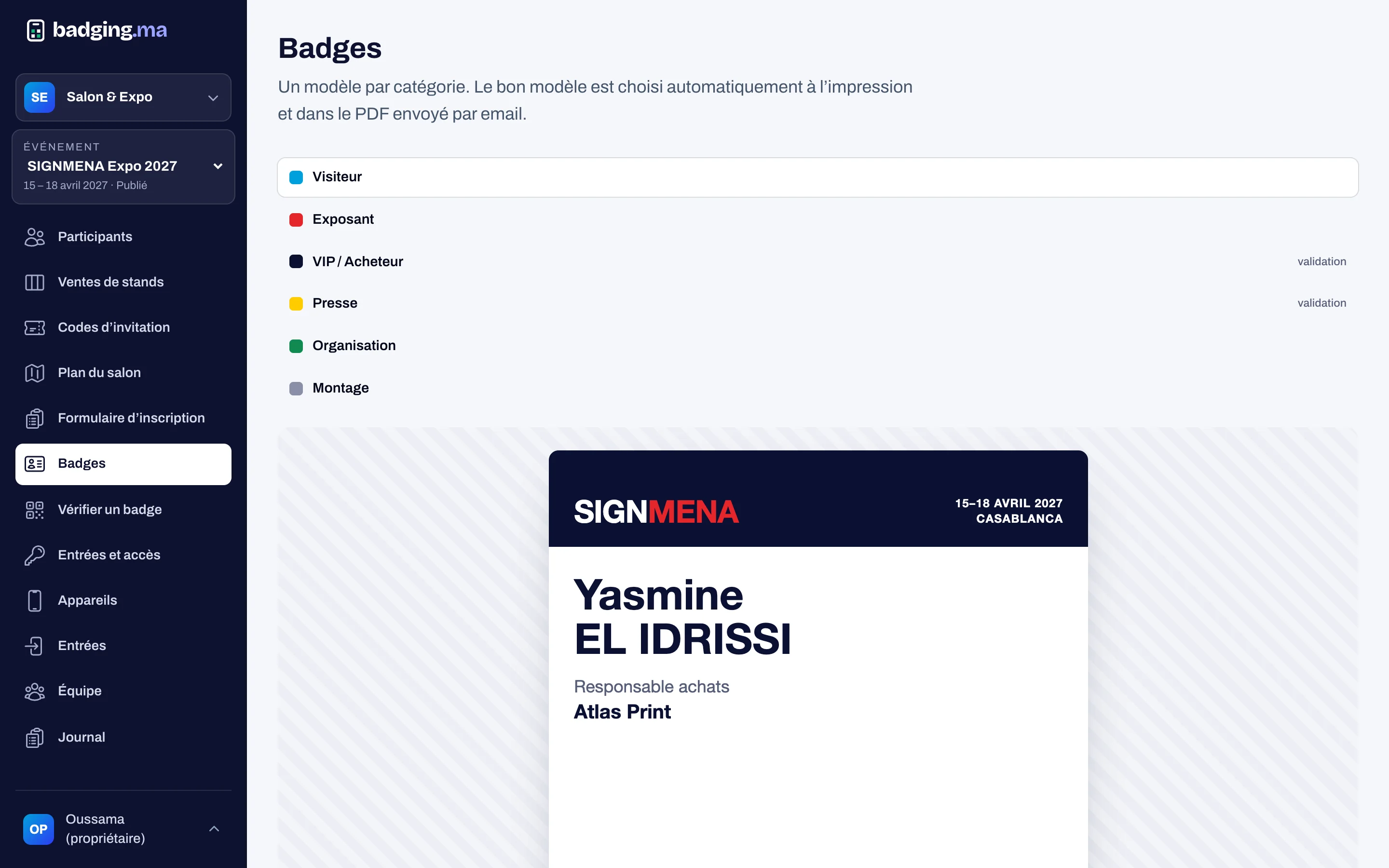
Reception prints badges in seconds
A phone or tablet connected to a printer is enough. The host scans the QR or searches the name; at the kiosk, visitors print their own badge.
- Search by name, company or QR
- Every reprint justified
- Kiosks with no list or suggestion
01
The reception station
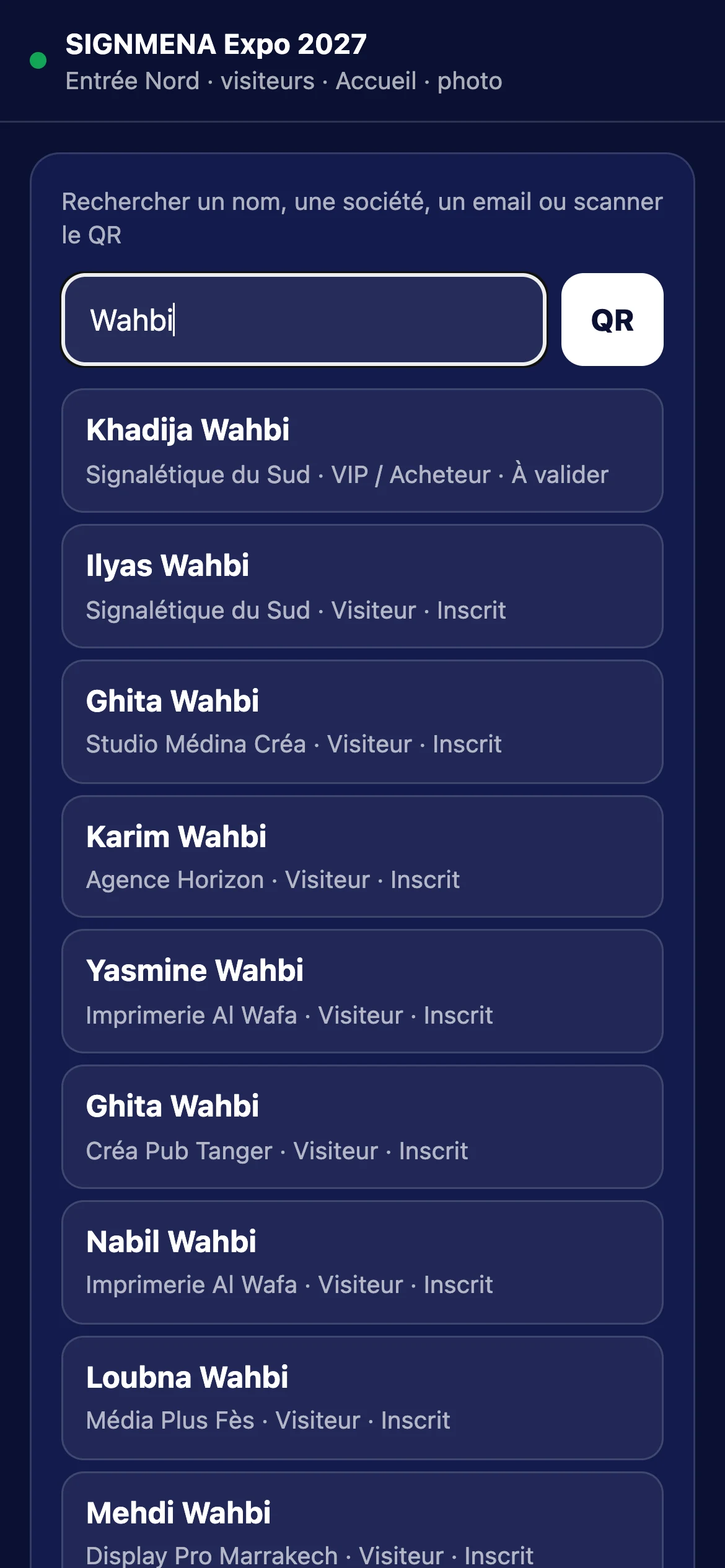
The host scans the visitor’s QR code, or types two letters of their name or company. They see the category and status, and print the badge at the right size; with Chrome in kiosk mode, printing starts without a dialog.
- QR scan or search from two letters
- Email masked on screen
- On-site registration then printing
02
The self-service kiosk
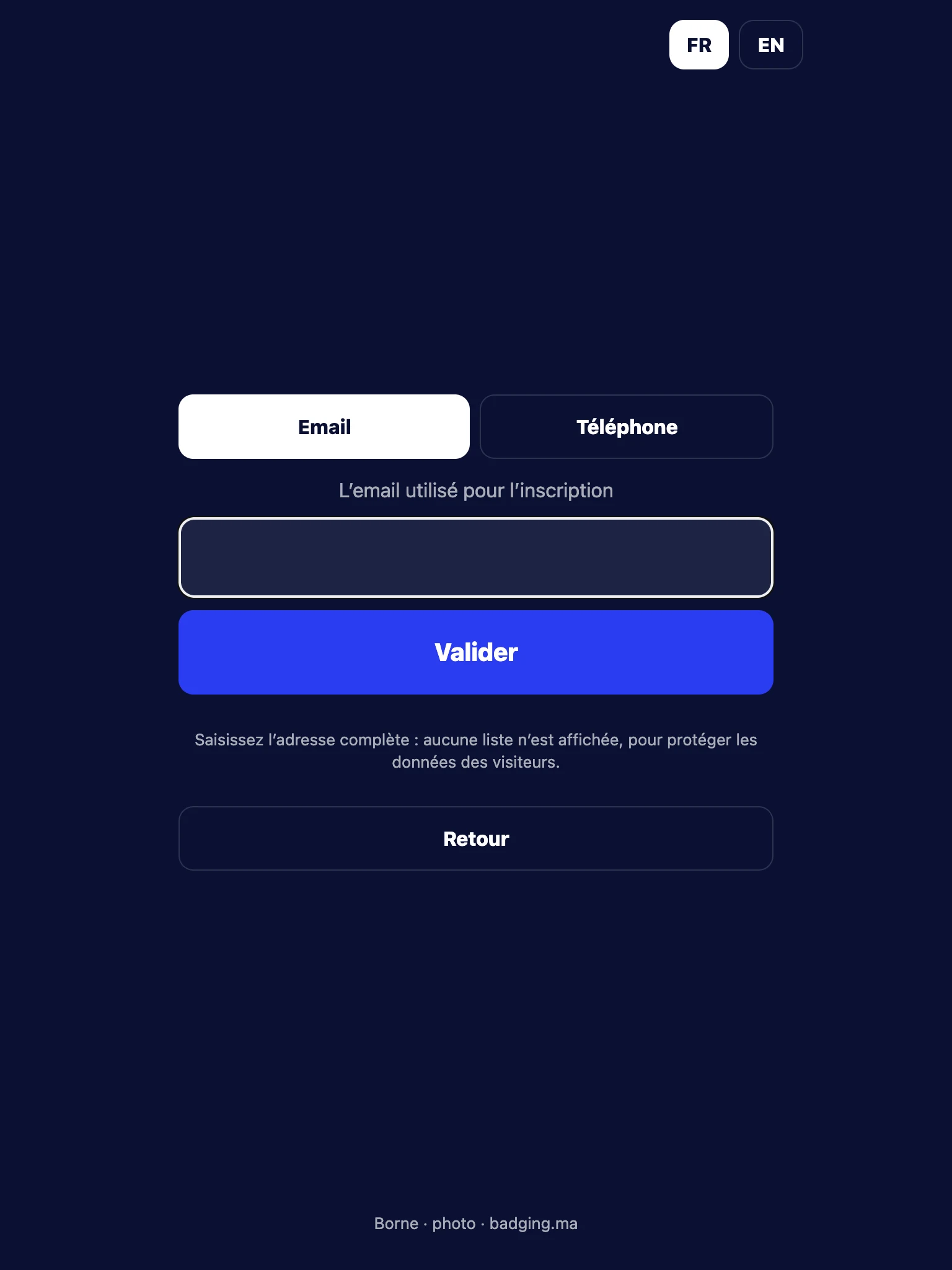
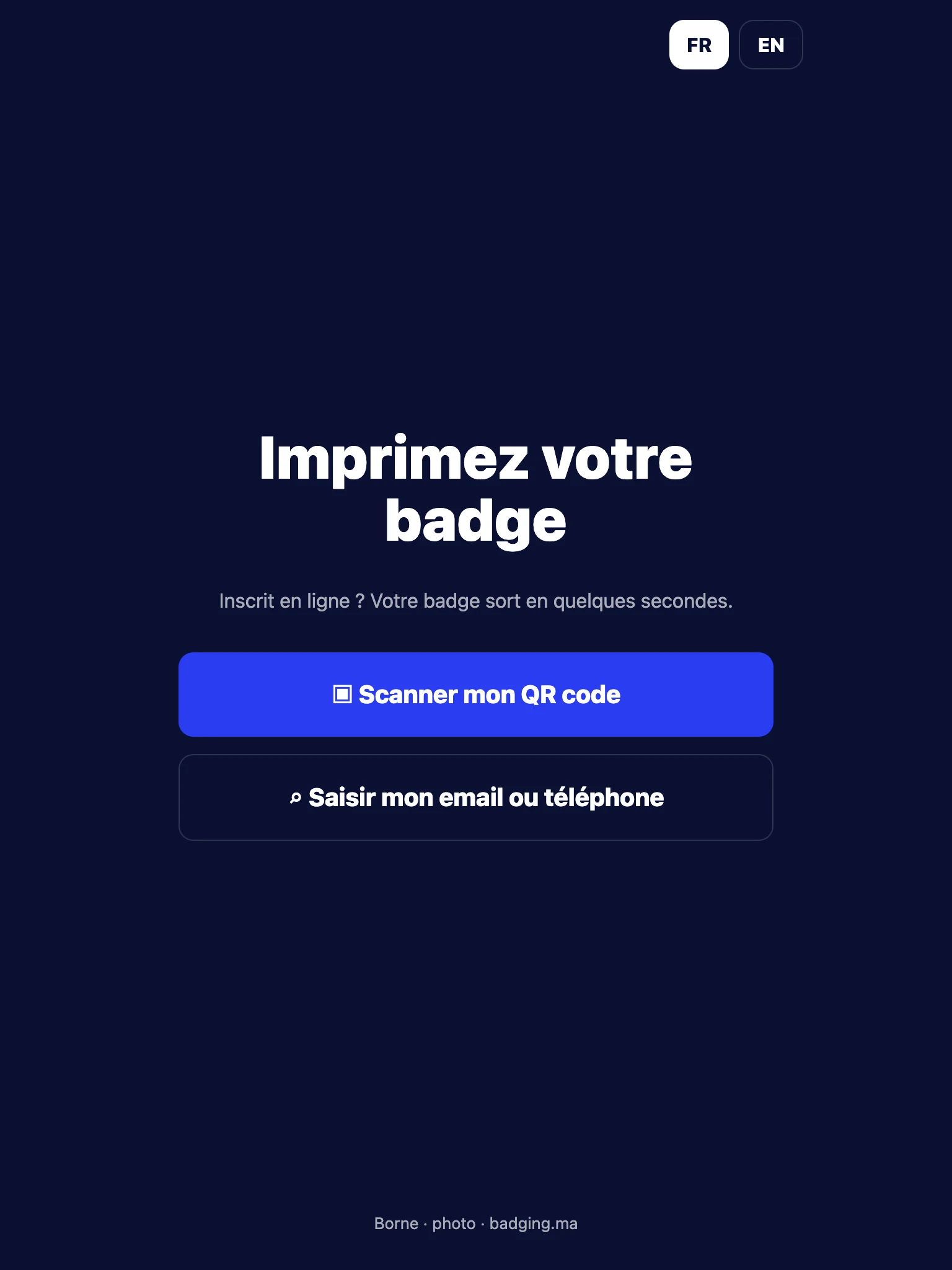
Visitors scan their QR code or type their complete, exact email or phone number. The kiosk never shows a list or suggests a name: only the first name and initial of the person found, then printing.
- Exact email or phone only
- Three tries, then reception
- In French and English
03
Every device under control
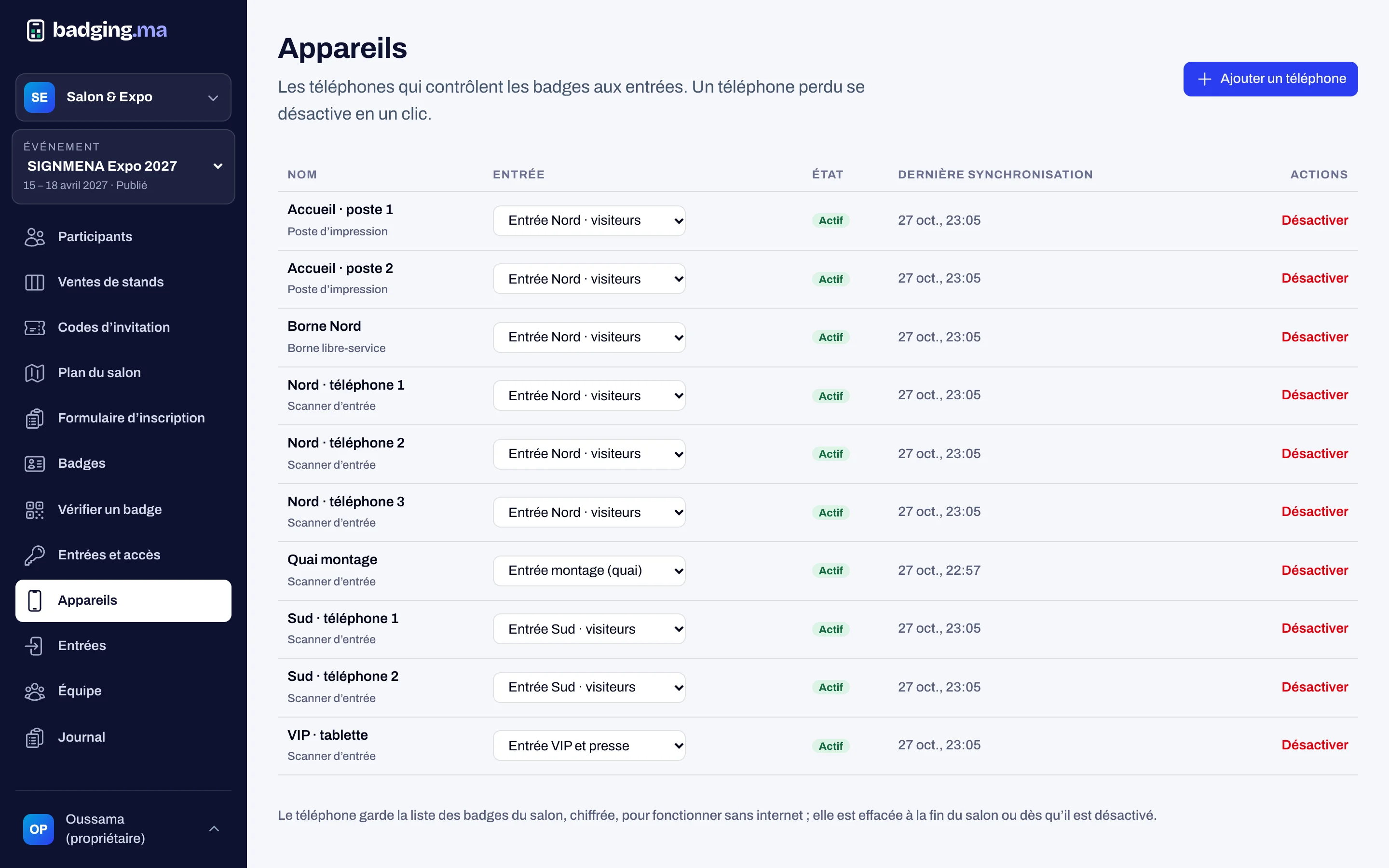
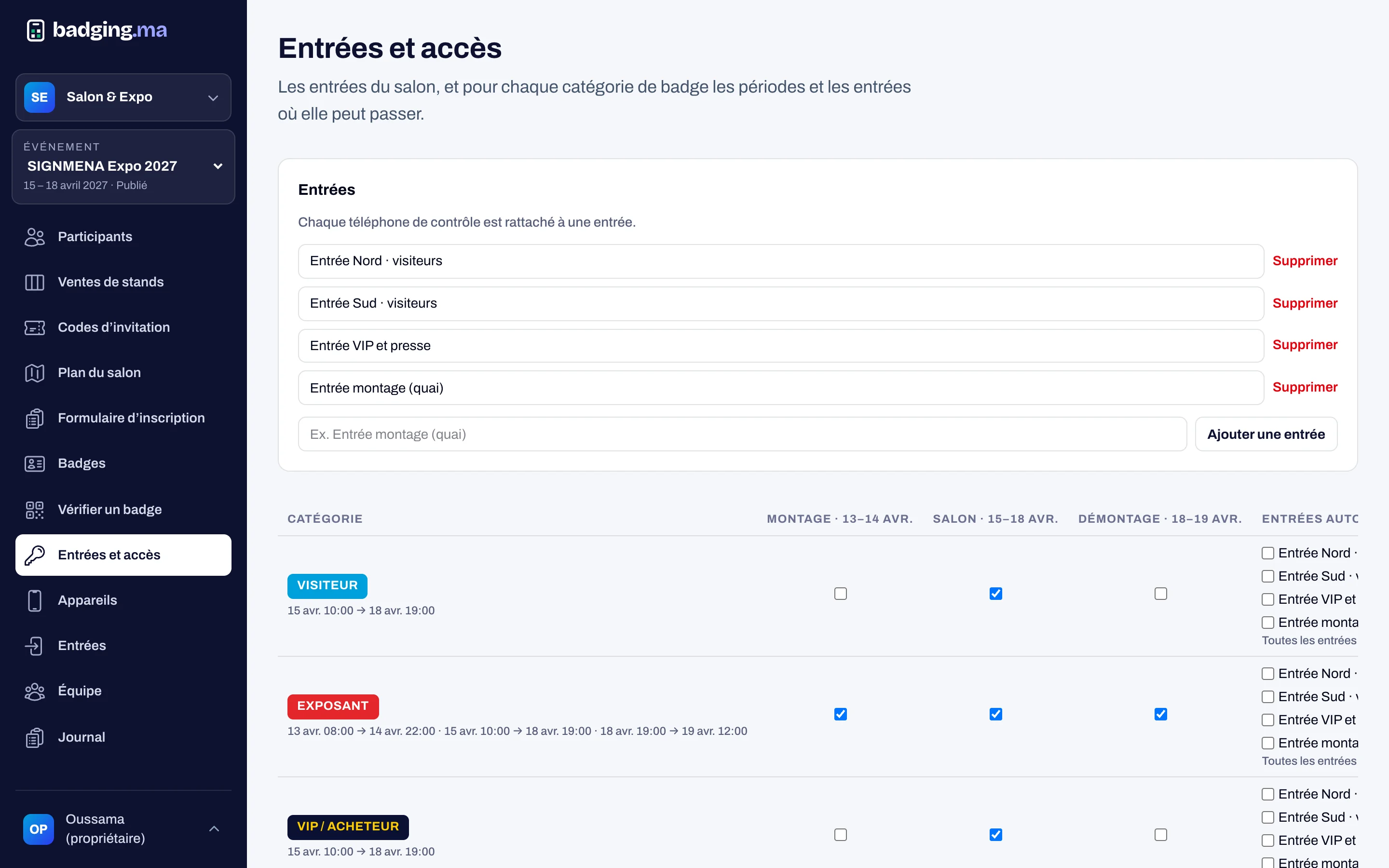
Pair a phone, station or kiosk to the show with a one-time code, choose its role and entrance. A lost device is switched off in one click, and every print is recorded: who, which station, which reason.
- Pairing code valid 10 minutes
- Role: checking, printing or kiosk
- Remote switch-off
In short
Screenshots of the platform, with demo data.
How it works
-
1
You pair the devices
A code in the console, typed on the phone or tablet.
-
2
The visitor arrives
QR on screen, name at reception or email at the kiosk.
-
3
The badge prints
At the exact size, in seconds.
-
4
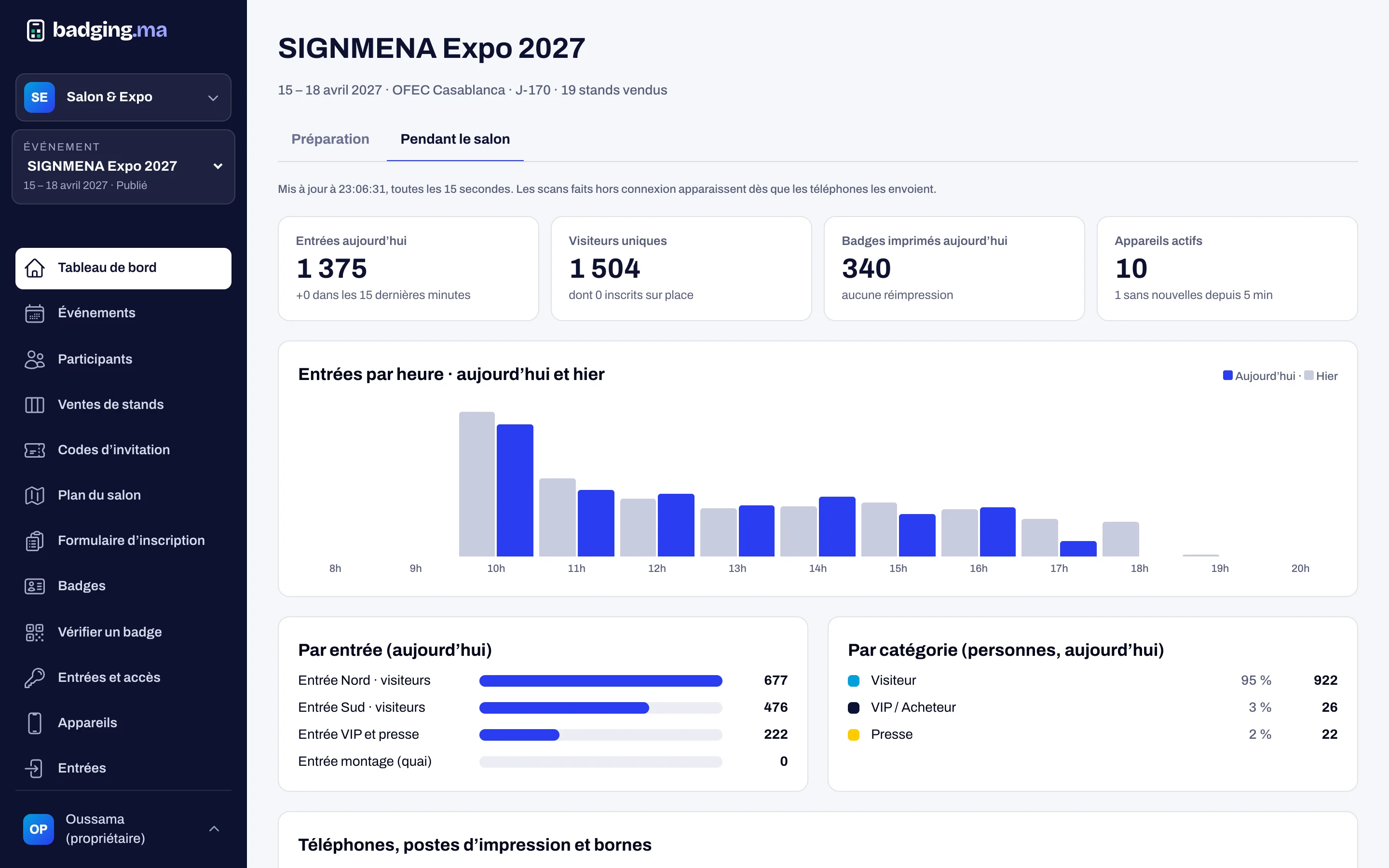
Everything is logged
Prints and reprints, with station and reason.
FAQ
Which printers can we use?
Any printer the station’s browser can print to: A5 for full badges, or a 5 × 3 cm label printer for pre-printed cards.
Can a badge be reprinted?
Yes, at reception, with a reason: lost, damaged, wrong details or other. A lost badge gets a new version.
Does the kiosk protect visitors’ data?
Yes: it shows no list, accepts only a complete, exact email or number, limits tries and shows only the first name and initial.
These modules work well together
Your next trade show, run from A to Z.
Tell us the date, the venue and how many attendees you expect: we will reply with a tailored proposal.
Or call us: 06 61 41 48 32