Access control
Every entrance checked, even without internet
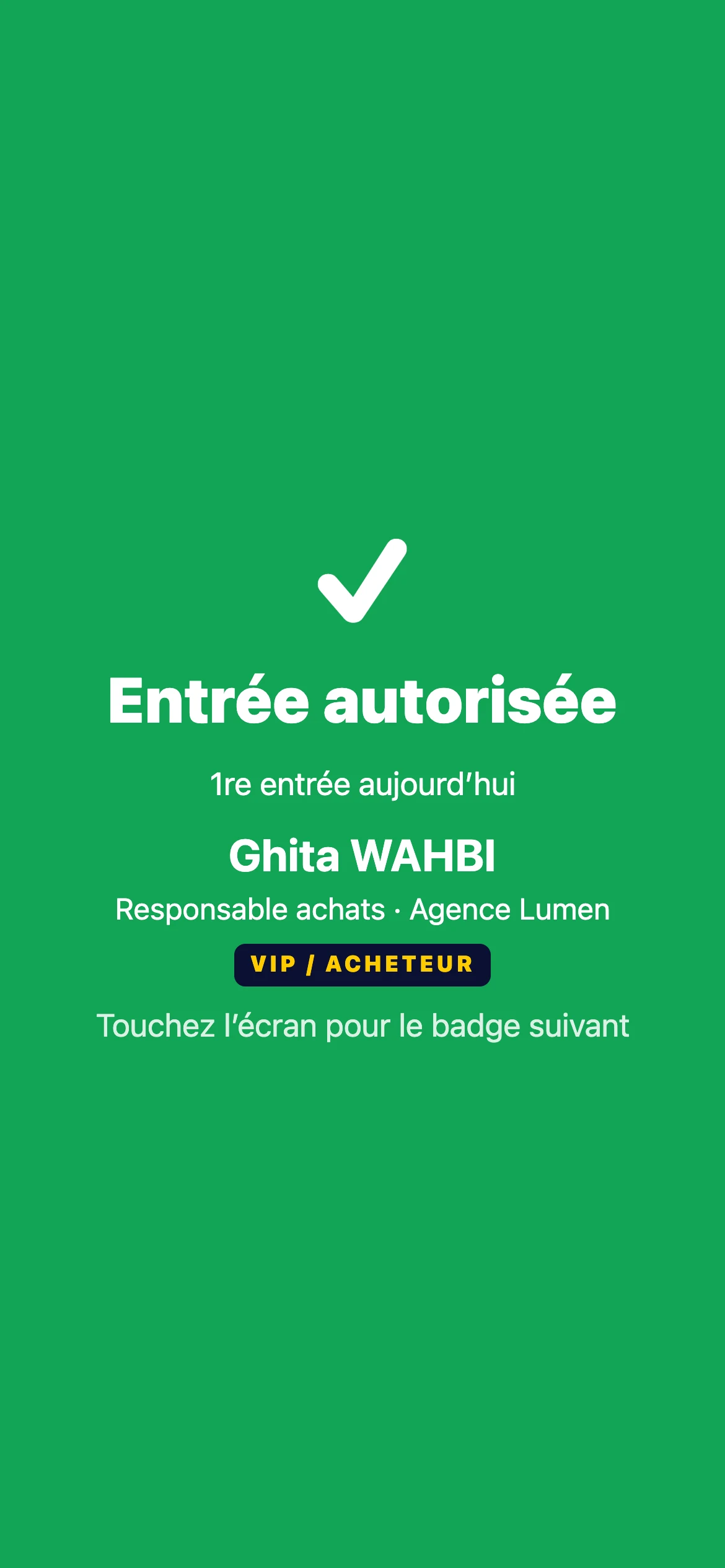
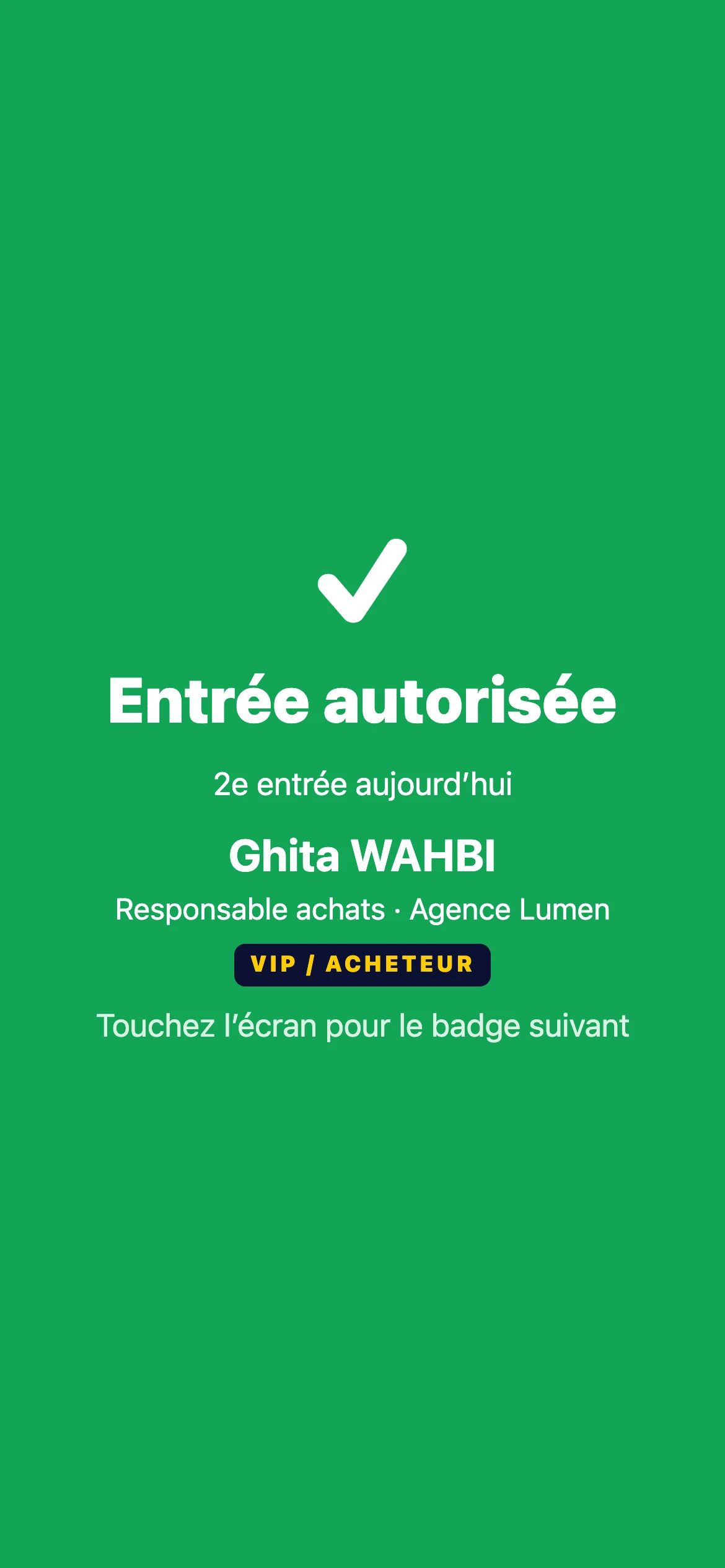
Checking phones verify badges on the device itself. Green, orange or red: staff know at once what to do, with or without a network.
- Decision on the phone, no network needed
- Rules per category, day and entrance
- Lost phone: switched off in one click
01
Precise access rules
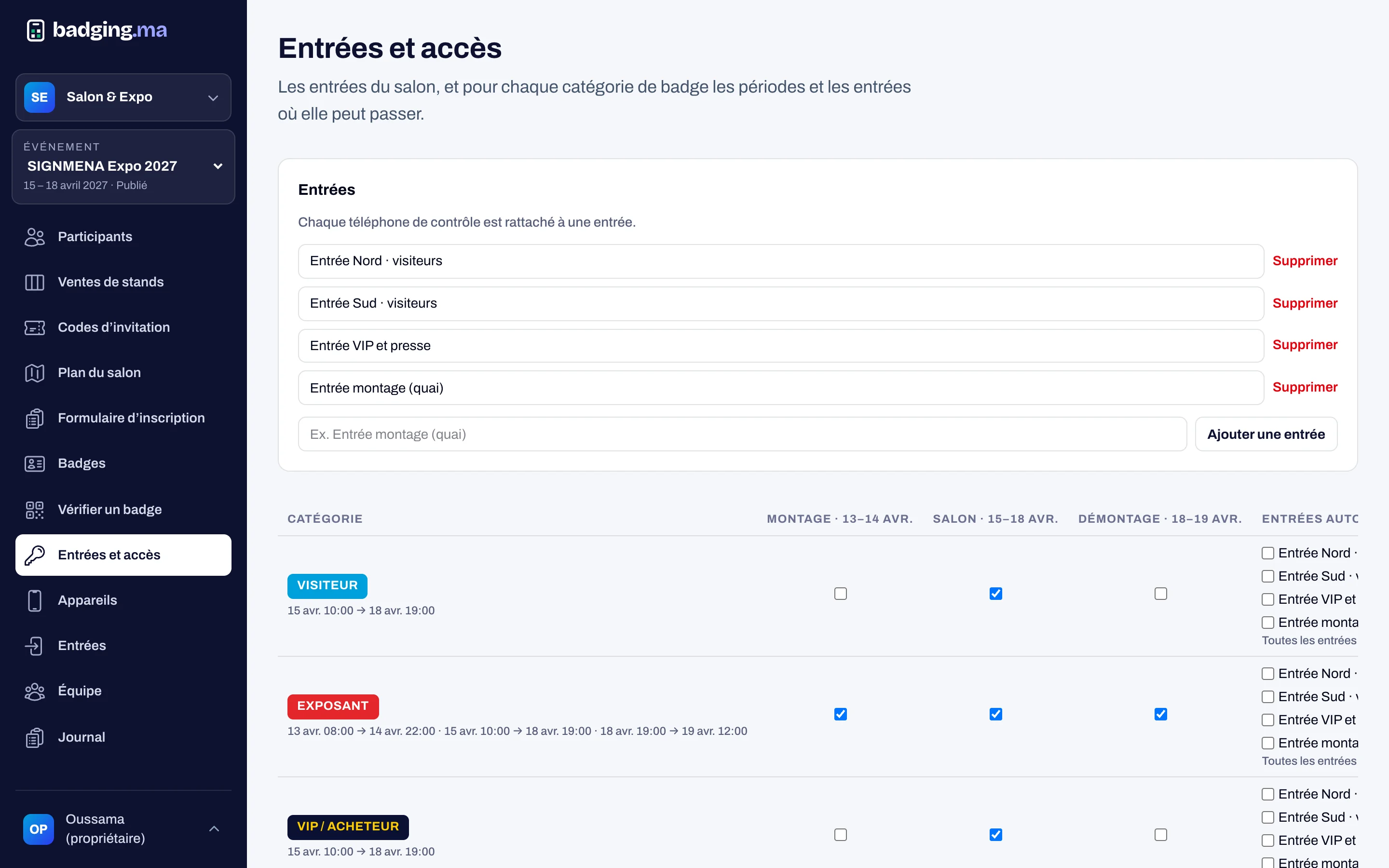
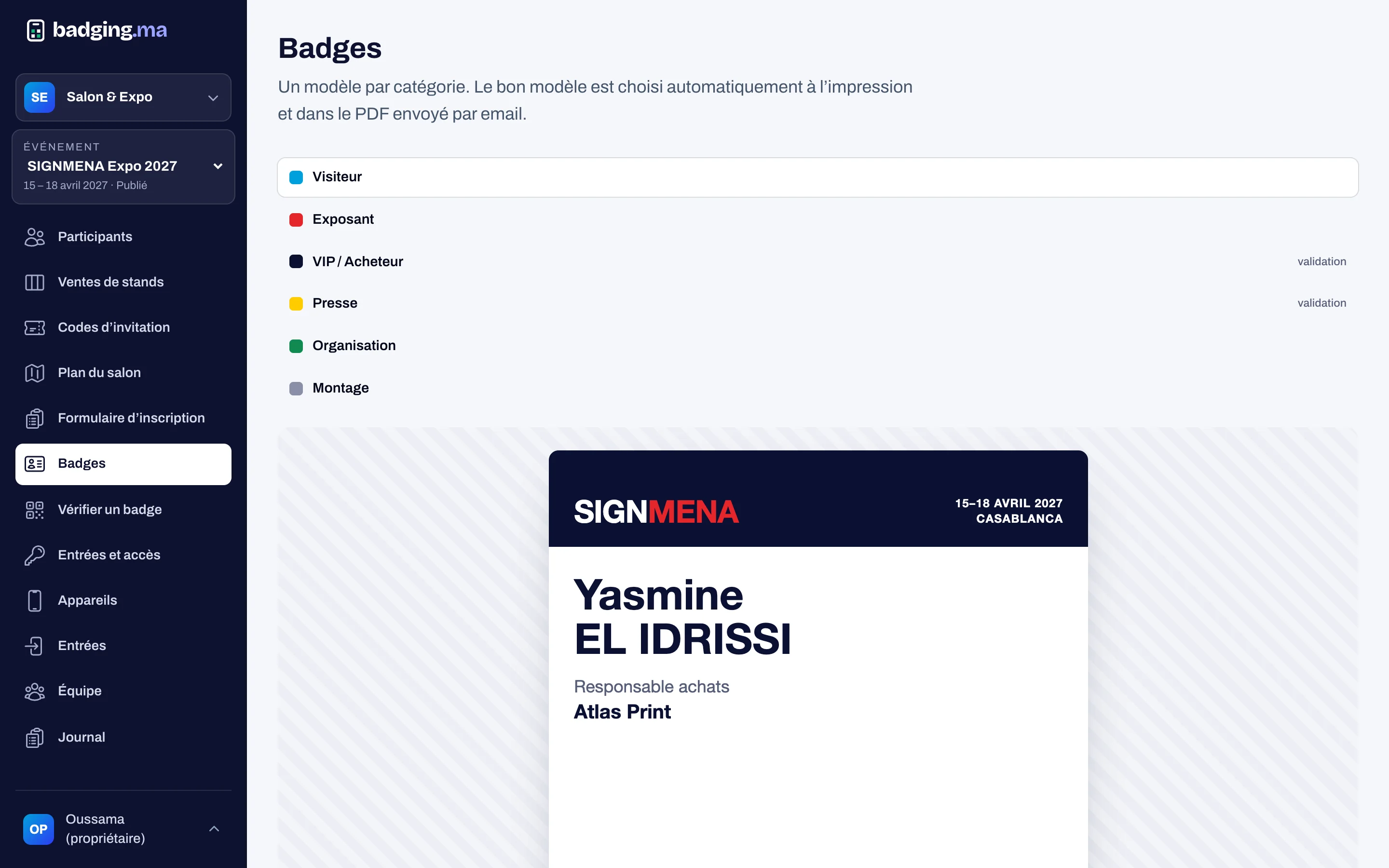
For each category, choose the days (build-up, show, teardown) and the entrances allowed. Build-up badges only get in during build-up; VIPs can have their own entrance.
- Per category, day and entrance
- Margin at opening and closing
- Changeable at any time
02
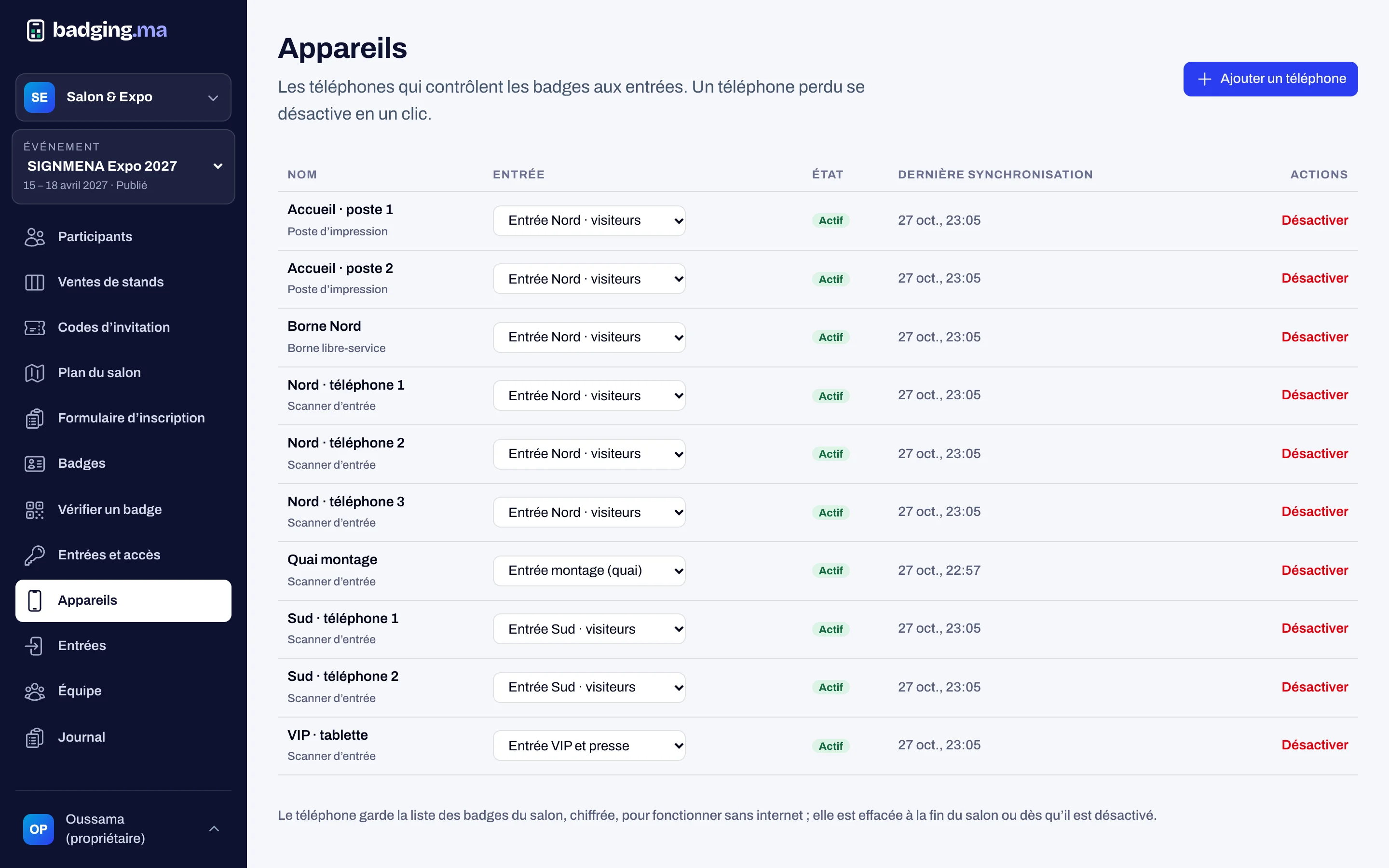
One phone per entrance
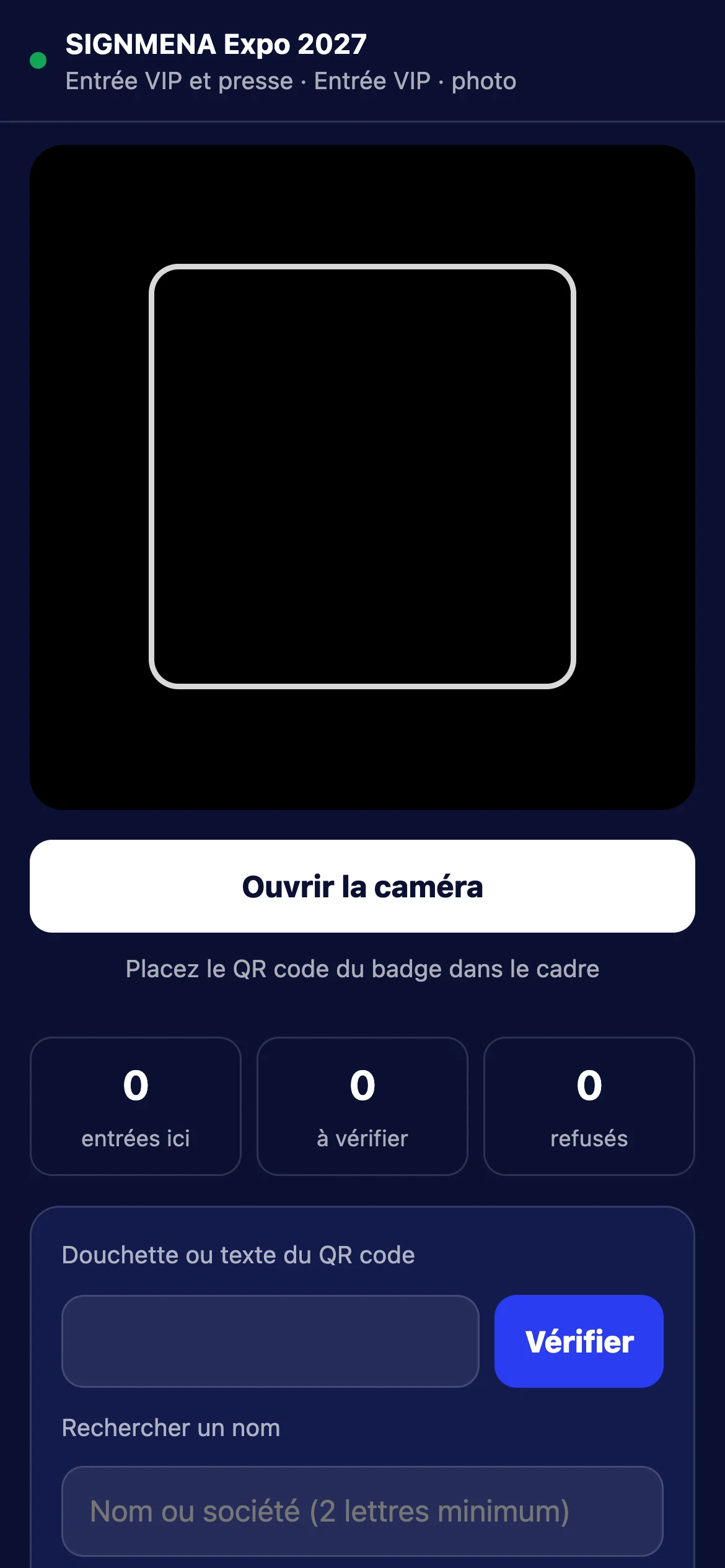
The phone is paired to an entrance with a code. It keeps the badge list encrypted and verifies the QR code’s signature itself: it keeps checking without a network and sends the entries as soon as the connection returns.
- Encrypted list on the phone
- Camera, handheld scanner or name search
- Sync without duplicates or loss
03
Green, orange or red
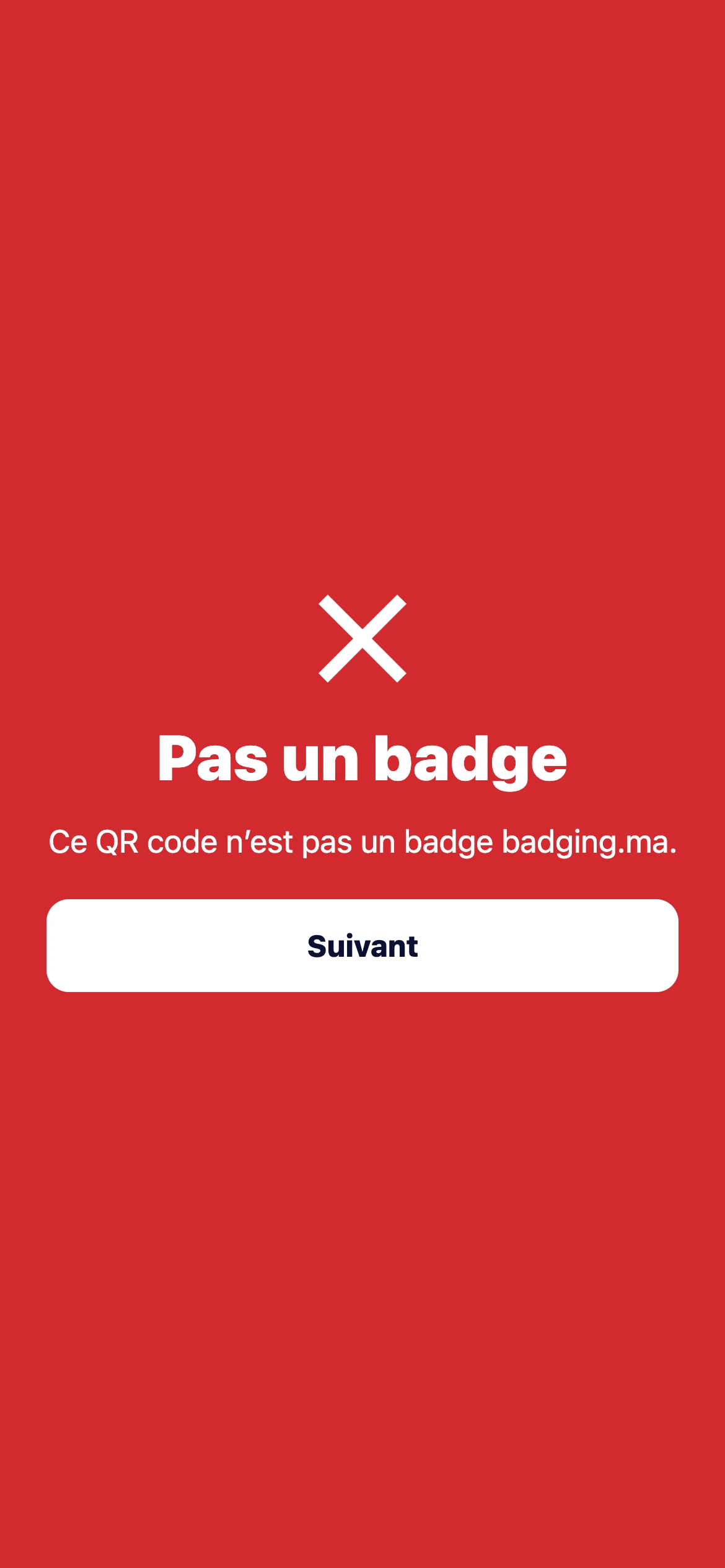
Entry granted, second entry of the day, wrong entrance, wrong day, old version of a lost badge, another show’s badge or fake QR code: the message says exactly why and what to do.
- Clear reason for every refusal
- Right entrance shown to the visitor
- Entry counters on the phone
In short
Screenshots of the platform, with demo data.
How it works
-
1
You set the rules
Categories, days and entrances.
-
2
You pair the phones
One code per device, one entrance per phone.
-
3
Staff scan
The answer shows in a fraction of a second.
-
4
You follow live
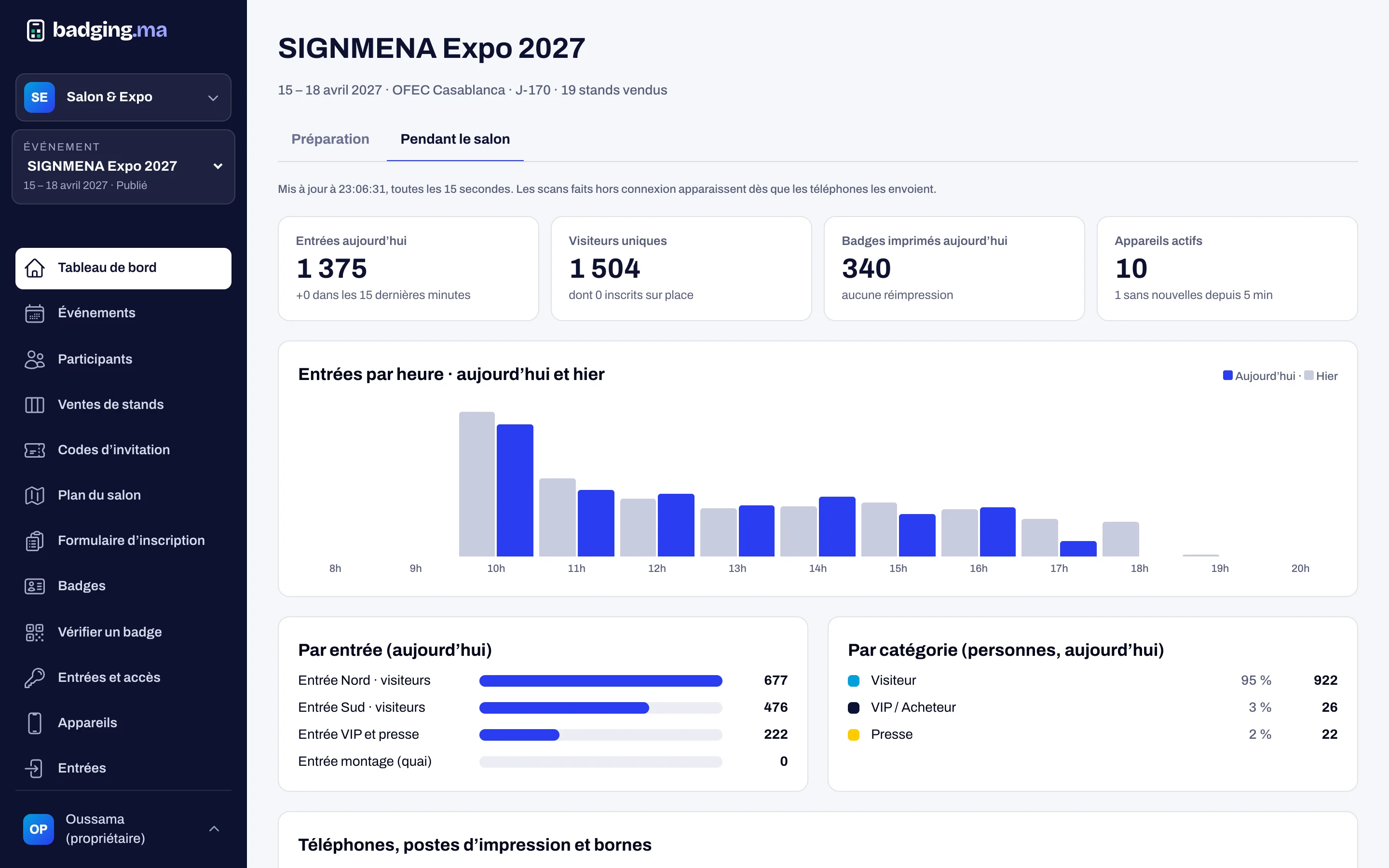
Entries per hour, per door and per category.
FAQ
What if the network goes down?
Phones keep checking with their encrypted list, then send the entries when the network is back, with nothing lost or doubled.
What if a phone is lost?
Switch it off in one click from the console: it can no longer see anything, and its list is erased at the end of the show.
Can we check without a camera?
Yes: with a handheld scanner, or by searching the person’s name or company.
These modules work well together
Your next trade show, run from A to Z.
Tell us the date, the venue and how many attendees you expect: we will reply with a tailored proposal.
Or call us: 06 61 41 48 32